
Cloud Storage, Cloud Apps, and Cloud Computing: Sorting Out the Confusion

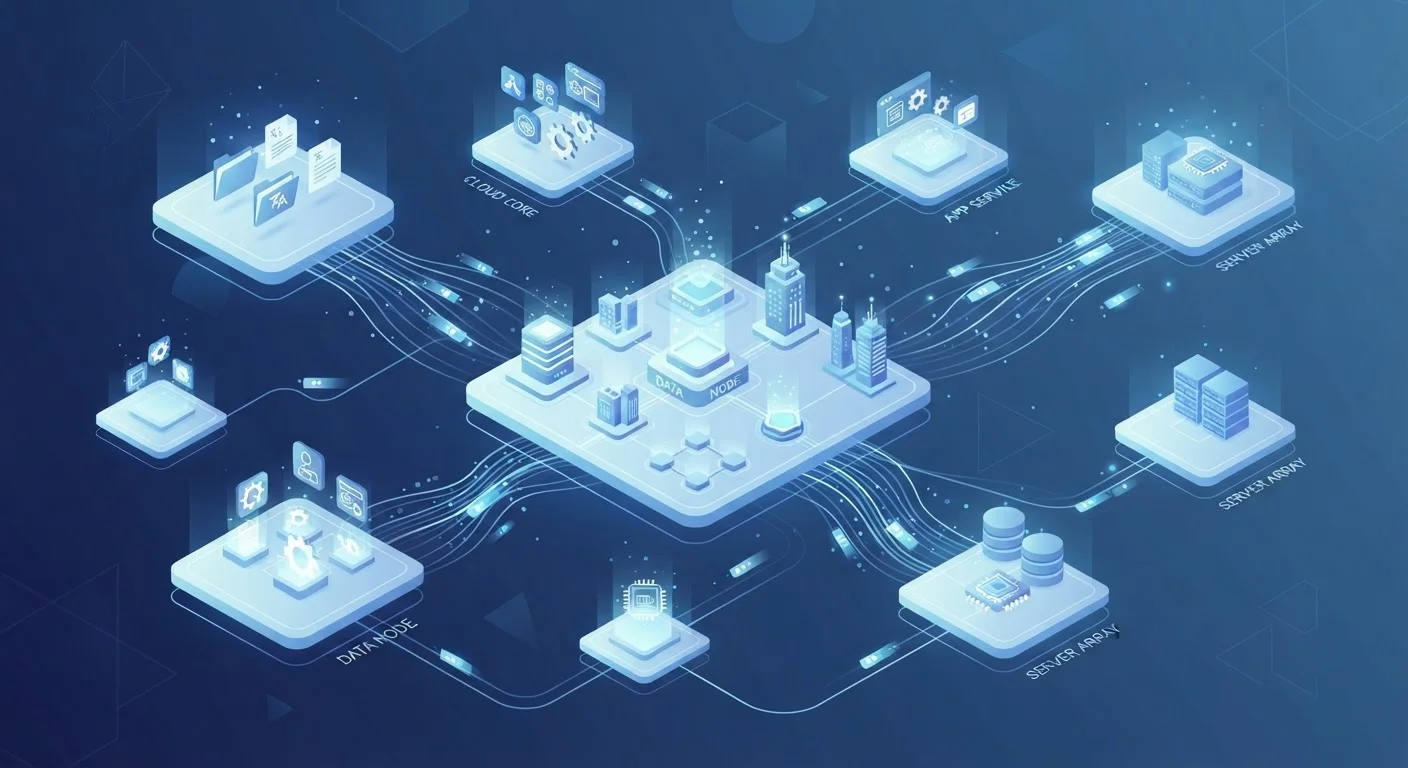
Photo: AdvisorBooth.net editorial
Why 'The Cloud' Means So Many Different Things
When a tech company tells you something is 'in the cloud,' that phrase can mean three completely different things depending on context. Your photos backed up automatically, a spreadsheet you edit in your browser, and a company running its entire business software remotely - all get described as 'cloud-based.' Understanding how the internet works helps clarify things, but the cloud terminology itself still trips people up.
The confusion is understandable. Cloud storage, cloud apps, and cloud computing are genuinely distinct concepts, even though they share infrastructure and often appear together. Here's what each one actually means - and why the difference matters for everyday decisions about your files, software, and devices.
Cloud Storage: Keeping Your Files Off Your Device
Cloud storage is the most familiar concept for most people. It refers to saving files - photos, documents, videos - on remote servers instead of, or in addition to, your device's local drive. When you save a photo to an online backup service or drag a file into an online folder, you're using cloud storage.
The files live on servers operated by a provider in a data center somewhere. You access them through an internet connection, which means they're available across devices: your phone, laptop, or a friend's computer in a pinch. For a deeper look at how cloud storage compares to the physical storage built into your devices, see the language of storage explained.
Key things to know about cloud storage:
- It's primarily about files and data, not software or processing power.
- Providers typically offer a free tier of space, with paid plans for more capacity.
- Your files remain accessible even if your device is lost, damaged, or replaced.
- Storage in the cloud is separate from your browser's local storage - those serve different purposes, as explained in our guide to cookies, cache, and local storage.
Cloud Apps: Software You Run Through a Browser
Cloud apps - also called web apps - are software programs that run on remote servers and are accessed through a browser or a thin client application, rather than being installed fully on your device. Instead of downloading and running a program locally, the heavy lifting happens on the provider's servers; your device just displays the interface and sends your inputs.
Email services, collaborative document editors, project management tools, and video-conferencing platforms are common examples. The app itself is updated and maintained on the server side, so you always use the current version without running manual updates.
This model has tradeoffs. Cloud apps generally require an internet connection to function fully. They can also behave differently depending on your browser and connection speed. If you want to understand the finer distinctions between web apps and other software delivery models, native, web, and progressive web apps compared lays them out clearly. It's also worth auditing which cloud apps you actually use - keeping your apps organized over time offers practical guidance.
Cloud Storage
A service that saves your files - photos, documents, videos - on remote servers accessible via the internet. Data is not stored solely on your local device.
Cloud App
Software that runs on remote servers and is accessed through a web browser or lightweight client. The processing happens off your device, and updates are managed by the provider.
Cloud Computing
The delivery of computing resources - servers, processing power, storage, networking - over the internet on demand. It's the infrastructure layer that cloud apps and storage services are built on.
Data Center
A facility housing the physical servers and networking equipment that power cloud services. Major cloud providers operate data centers in multiple locations worldwide.
Local Storage
Data or files stored directly on a physical device - a hard drive, SSD, or phone memory - rather than on remote servers.
Scalability
In cloud computing, the ability to increase or decrease resources - like processing power or storage space - on demand without acquiring new physical hardware.
Cloud Computing: Raw Processing Power on Demand
Cloud computing is the broadest of the three concepts, and the one most people encounter indirectly. It refers to accessing computing resources - processing power, memory, networking, databases - over the internet on an as-needed basis, rather than owning and operating physical hardware.
Most everyday users don't interact with cloud computing directly. Instead, the services and apps they rely on are themselves built on cloud computing infrastructure. A streaming platform, a mobile game with millions of simultaneous players, or a business running its payroll software - these all depend on cloud computing at the backend.
Businesses and developers use cloud computing platforms to spin up virtual servers, run complex calculations, store enormous datasets, and deploy software globally without buying physical machines. Resources scale up or down based on demand, which is fundamentally different from owning a fixed set of servers.
In short: cloud computing is the infrastructure layer. Cloud apps and cloud storage are services built on top of it.
3
Distinct meanings behind 'the cloud'
Cloud storage, cloud apps, and cloud computing are separate concepts that are routinely conflated under one term.
60%+
Enterprise workloads running in the cloud
Industry analyses consistently find the majority of corporate computing workloads have migrated to cloud infrastructure, though exact figures vary by sector and source.
How They Fit Together - and Why It Matters
These three concepts often overlap in practice. A cloud app might store your data in cloud storage, and both run on cloud computing infrastructure underneath. Understanding each layer separately helps you make better decisions about privacy, cost, and reliability.
For example: if you're evaluating whether a service can work offline, that's a cloud apps question. If you're worried about losing files when a subscription ends, that's a cloud storage question. If a business is considering whether to run its software on its own servers or outsource to a provider, that's a cloud computing question.
For a broader grounding in technology terminology, the consumer electronics glossary covers dozens of terms - including many that intersect with cloud concepts - in plain English.
The key takeaway: 'the cloud' is not one thing. It's a layered system, and knowing which layer you're dealing with makes the technology significantly less mysterious.
The content on this site is for informational purposes only and is not a substitute for professional advice. Always consult a qualified professional for guidance specific to your situation.