
The Language of Storage: RAM, ROM, SSD, and the Cloud Compared

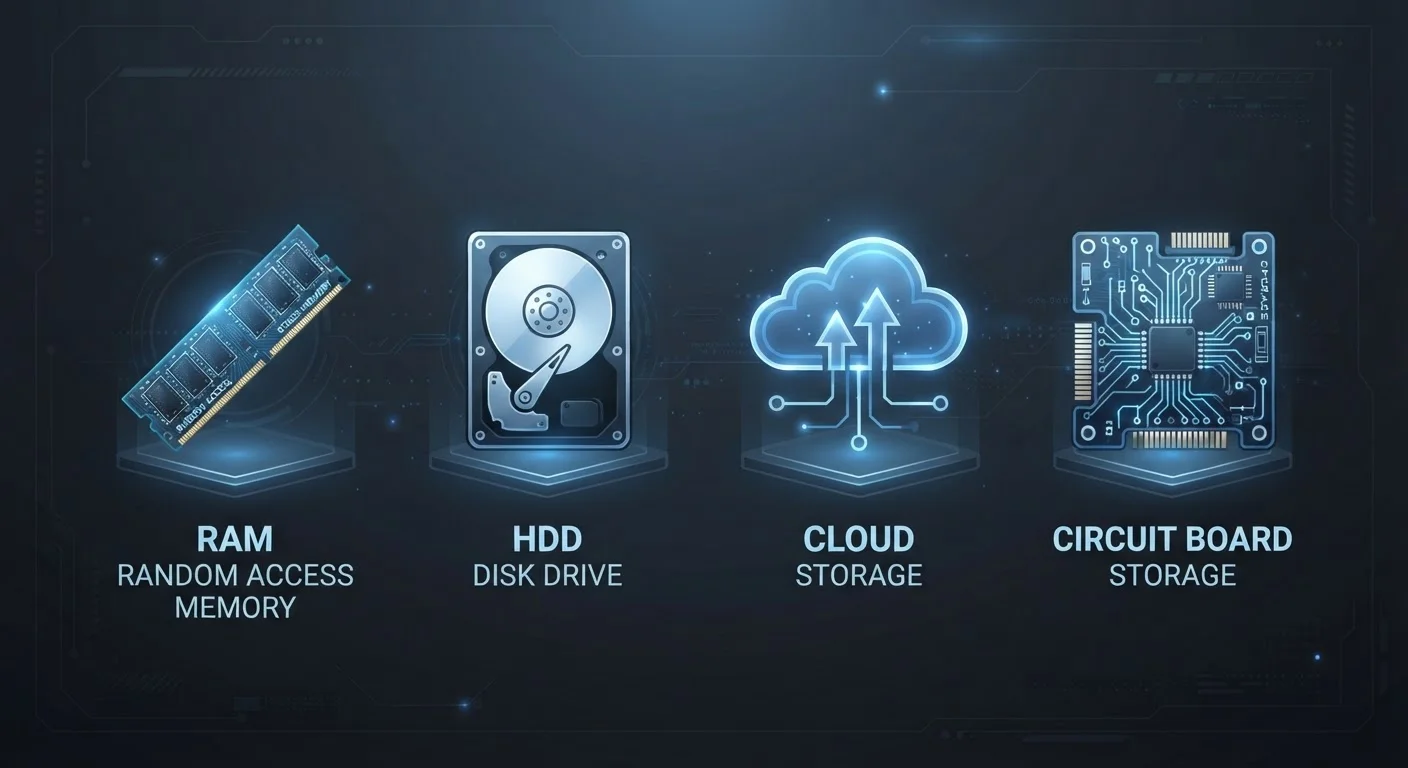
Photo: AdvisorBooth.net editorial
Key Takeaways
- RAM is temporary working memory; it clears every time you power off your device.
- ROM holds permanent instructions that do not change during normal use.
- SSDs are fast, durable long-term storage that replace traditional hard drives.
- Cloud storage keeps your files on remote servers, accessible from any internet-connected device.
- Each storage type serves a different purpose - most devices use several simultaneously.
Why These Terms Get Confused
Technology marketing tends to use storage terms loosely, and that creates real confusion. A phone ad might tout "512GB of storage" without clarifying what type. A laptop spec sheet lists RAM separately from the drive size, but doesn't explain why both matter. Meanwhile, "the cloud" gets applied to everything from photo backups to business software.
The reality is that RAM, ROM, SSD, and cloud storage are four distinct technologies that serve four different purposes. Most devices use more than one of them at the same time. Knowing the difference helps you understand why your phone slows down, why your computer boots faster than it used to, and why losing internet access can cut off files you thought you "had." For a broader look at tech vocabulary, see our Consumer Electronics Glossary.
RAM, ROM, SSD, and Cloud: A Side-by-Side Look
Before diving into each type, here's a structured comparison of how they differ across the criteria that matter most to everyday users.
| RAM | ROM / Flash Firmware | SSD | Cloud Storage | |
|---|---|---|---|---|
| Primary purpose | Active working memory | Startup and firmware instructions | Permanent file and app storage | Remote file access and backup |
| Retains data without power? | No (volatile) | Yes (non-volatile) | Yes (non-volatile) | Yes (server-dependent) |
| Typical capacity | 8-64 GB | Kilobytes to megabytes | 256 GB-4 TB | 15 GB-unlimited (subscription) |
| Speed | Extremely fast | Fast read, rarely written | Very fast | Depends on internet speed |
| Requires internet? | No | No | No | Yes |
| User-modifiable? | Indirectly (add more RAM) | Rarely | Yes (add/replace drive) | Yes (upload/delete files) |
| Common location in device | Motherboard chip | Dedicated firmware chip | Internal drive or soldered chip | Off-device remote servers |
RAM: Your Device's Working Memory
RAM - Random Access Memory - is where your device does its active thinking. When you open a browser, load a document, or switch between apps, that data lives in RAM because it can be read and written almost instantly. The trade-off: RAM is volatile, meaning its contents disappear the moment power is cut. Everything in RAM that hasn't been saved elsewhere is gone when you restart.
This is why more RAM generally makes a device feel faster when multitasking - there's more space to hold open apps without constantly swapping data in and out of slower storage. Typical consumer devices today range from 8GB to 64GB of RAM. RAM does not hold your photos, documents, or apps between sessions; that's a different job entirely.
A Simple Way to Remember RAM's Role
ROM and Flash Memory: The Permanent Foundation
ROM - Read-Only Memory - historically referred to chips that held fixed instructions baked in at the factory, impossible to alter during normal use. In modern devices, true read-only ROM is rare. What persists is the concept: firmware, the low-level software that tells your device how to start up, lives in a type of non-volatile memory that behaves like ROM even if it's technically rewritable (called flash memory).
Your smartphone's bootloader, a router's operating instructions, or a TV's startup sequence - these all live in this category. The defining characteristic is permanence: this memory survives power loss and isn't meant for everyday file storage. When people casually say "ROM" about a phone, they often mean total internal storage, which is a different and somewhat misleading use of the term.
SSDs: Fast, Durable Long-Term Storage
A Solid State Drive (SSD) is where your device actually stores files, apps, photos, and the operating system between sessions - the durable, persistent layer of storage. Unlike older spinning hard drives (HDDs), SSDs use flash memory chips with no moving parts, making them faster, quieter, and more resistant to physical shock.
When a laptop advertises "512GB SSD," that's the permanent file locker - what stays put whether the device is on or off. SSDs have largely replaced traditional hard drives in laptops and desktops, and they're what's inside every modern smartphone and tablet (though in those devices the storage is typically soldered directly to the motherboard rather than a removable drive). For context on related browser storage concepts, see how browsers handle local storage.
Cloud Storage: Files Beyond Your Device
Cloud storage is fundamentally different from the three hardware-based types above. Rather than storing data on a chip inside your device, cloud storage keeps your files on remote servers maintained by a third-party provider, delivered to you over the internet on demand. Services in this category let you access the same file from your phone, laptop, or a library computer - as long as you have a connection.
The practical limitation is dependency: no internet, no access. Cloud storage also introduces questions about privacy, data ownership, and subscription costs that local storage doesn't raise. It's best understood as a complement to local storage rather than a replacement. For a deeper look at what the cloud actually encompasses, see our guide on cloud storage versus cloud computing.
The content on this site is for informational purposes only and is not a substitute for professional advice. Always consult a qualified professional for guidance specific to your situation.