
Consumer Electronics Glossary: 40 Terms Explained in Plain English

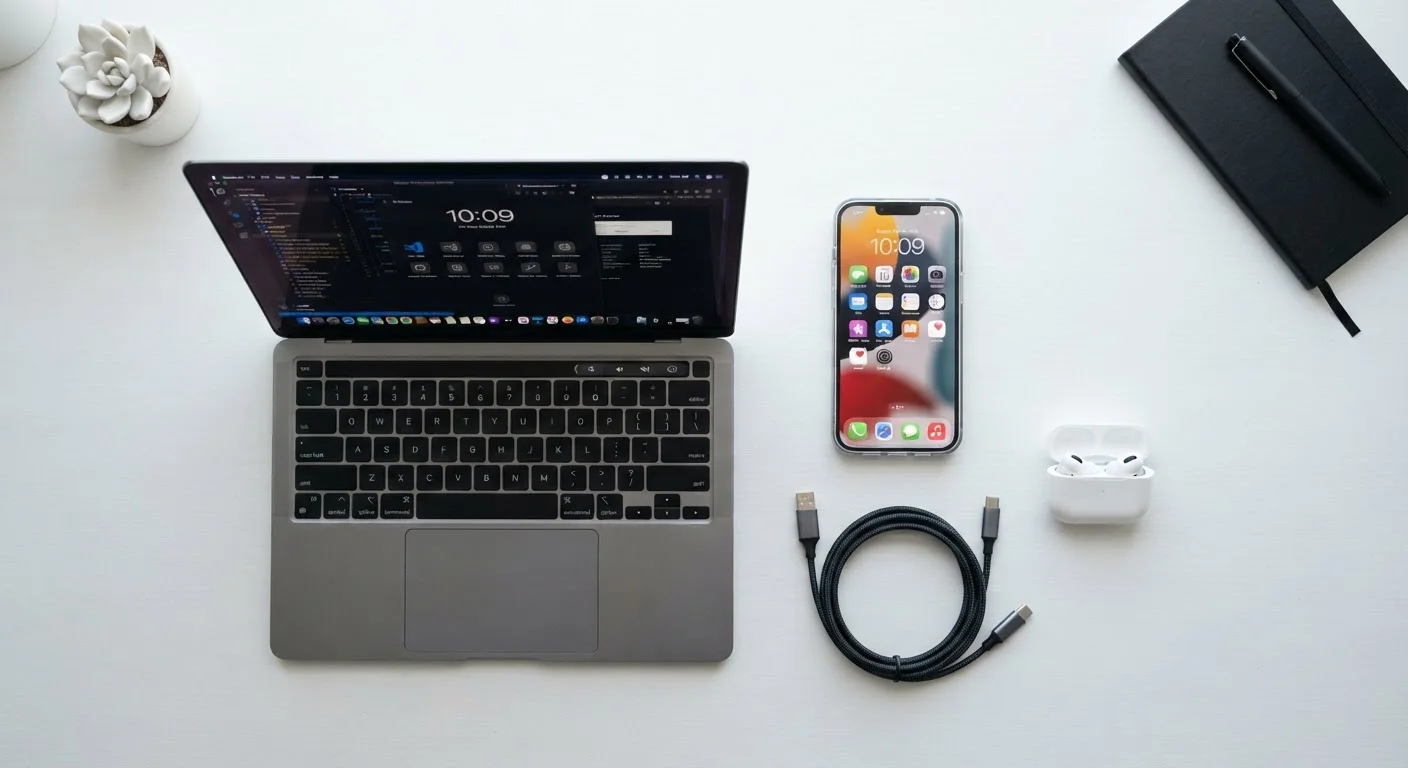
Photo: AdvisorBooth.net editorial
Why Tech Jargon Can Feel Like a Foreign Language
Every industry has its shorthand, but consumer electronics may be the most relentless. From spec sheets stuffed with acronyms to firmware update notices you weren't expecting, the vocabulary of modern devices can feel deliberately opaque. It isn't. Most of these terms describe straightforward ideas - they just never got a plain-English introduction.
This glossary covers 40 of the terms you're most likely to encounter when buying, setting up, or troubleshooting everyday devices: phones, laptops, TVs, tablets, smart speakers, and the accessories that connect them. Each definition is written for general readers, not engineers. For networking-specific terms like bandwidth, latency, or SSID, see the Home Network Glossary.
| Terms covered | 40 |
| Topics spanned | Storage, connectivity, display, software, power |
| Audience assumed knowledge | Basic - no technical background required |
| Companion glossary | Home Network Glossary (30 terms) (Covers routers, modems, bandwidth, and Wi-Fi terms) |
The 40 Terms, Defined
Terms are grouped thematically to make related concepts easier to absorb together.
API
Application Programming Interface. A set of rules that lets two pieces of software communicate. When an app on your phone pulls weather data from an online service, it's using that service's API.
Bluetooth
A short-range wireless standard used to connect devices without cables - headphones to phones, keyboards to laptops, speakers to tablets. Range is typically up to 30 feet, though obstacles reduce this.
Bootloader
A small program that runs when a device powers on and loads the operating system. Most users never interact with it directly; it operates silently in the background every time you press the power button.
Cache
A small, fast storage area that holds frequently used data so it can be retrieved quickly. Your browser caches web pages so they reload faster on a second visit, rather than downloading everything from scratch.
Codec
Short for coder-decoder. A codec compresses and decompresses audio or video files. The codec determines both file size and playback quality; mismatched codecs are a common reason media files won't play on certain devices.
CPU
Central Processing Unit - the primary chip that executes instructions in a computer or smartphone. Often called the processor, it handles general calculations and coordinates all other hardware components.
Driver
Software that tells your operating system how to communicate with a specific hardware component, such as a printer or graphics card. Outdated drivers are a frequent cause of hardware malfunctions.
Firmware
Permanent software embedded in a hardware device that controls its basic functions. Routers, cameras, and smart home devices all run firmware. Manufacturers release firmware updates to fix bugs and add features.
GPU
Graphics Processing Unit. A chip specialized for rendering images, video, and animation. Powerful GPUs matter most for gaming and video editing, but all modern devices have at least a basic GPU.
HDMI
High-Definition Multimedia Interface. A single cable that carries both high-definition video and audio between devices - from a laptop to a TV, or from a cable box to a monitor.
HDR
High Dynamic Range. A display technology that increases the range between the darkest and brightest parts of an image. HDR content looks more lifelike, with richer colors and more visible shadow detail.
NFC
Near Field Communication. A very short-range wireless technology (about 4 cm) used for tap-to-pay transactions, pairing devices, and reading smart tags. It's what powers contactless payments on phones.
Storage and Memory
These terms are often confused because they're all described as places data "lives." They are not interchangeable. RAM, ROM, SSD, and cloud storage each serve different purposes and operate at different speeds. Knowing which is which helps you evaluate whether a device will feel fast and whether you'll run out of space.
Connectivity
Connectivity terms describe how your devices talk to each other and to the internet - wirelessly or through physical ports. Our Internet & Connectivity hub explains the underlying infrastructure in more depth.
Display and Audio
Display terms appear heavily in TV and monitor marketing. Understanding resolution, refresh rate, and panel type helps you read a spec sheet accurately rather than treating numbers as abstract bragging rights.
Software and Operating System Concepts
These terms describe how the invisible layer of software that runs your device actually works. For deeper coverage of apps and platforms, see our Software & Apps hub. For cloud-specific concepts, the article on cloud storage, cloud apps, and cloud computing is a useful companion.
These Definitions Reflect General Usage
Battery and Power
Battery terms explain how energy is stored, delivered, and managed in portable devices. These definitions are especially useful when comparing phones or laptops, where power specifications directly affect real-world usability.
The content on this site is for informational purposes only and is not a substitute for professional advice. Always consult a qualified professional for guidance specific to your situation.