
Software & Apps

Keeping Your Apps Organized and Useful Over Time

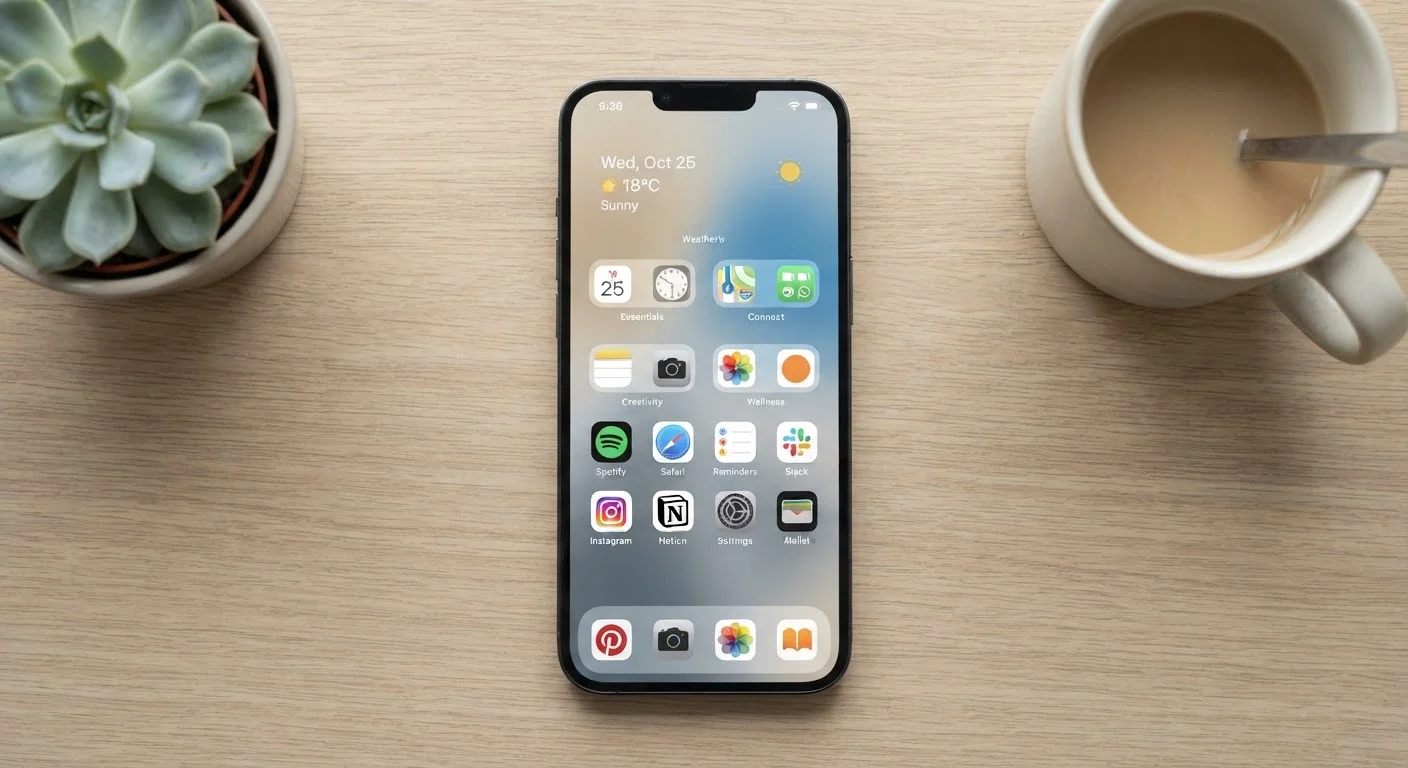
Keeping Your Apps Organized and Useful Over Time

Photo: AdvisorBooth.net editorial

Apps accumulate fast. These straightforward practices help you audit what you have, reclaim storage, and keep your digital toolkit actually working for you.

Key Takeaways

  • Most people keep far more apps than they actively use, and the unused ones still consume storage and permissions.
  • A simple quarterly audit habit prevents digital clutter from quietly building up over time.
  • Grouping apps by purpose — not by platform — makes them easier to find and use.
  • Reviewing app permissions regularly is a practical privacy habit, not just a technical one.
  • Unused apps that stay installed can drain battery and collect personal data in the background.

Why Apps Pile Up Faster Than You Notice

Installing an app takes seconds. Deciding to remove one takes far longer — which is exactly why most people's devices carry dozens of apps they no longer use, recognize, or need. A game downloaded for a long flight, a coupon app used once, a tool installed for a single project: these accumulate quietly in the background.

Unlike a cluttered drawer you can see, app clutter is invisible day to day. But it has real costs: storage space fills up, background processes can drain battery life, and apps you've forgotten about may still hold active permissions to your location or contacts. Understanding how free apps generate revenue adds another reason to think carefully about what stays installed.

App Clutter Mirrors Physical Clutter

The same psychology that causes junk drawers to fill up applies to your phone and computer. Apps accumulate through impulse installs, trial periods, and forgotten downloads — often without any conscious decision to keep them. Just as recurring physical clutter follows patterns, digital clutter does too. Recognizing the pattern is the first step to interrupting it.

Core Practices for Keeping Your App Library in Shape

Staying on top of your apps doesn't require a dramatic overhaul — it requires consistent, low-effort habits applied at regular intervals. The practices below are straightforward enough to become routine, and each one addresses a specific way app clutter tends to grow back after a cleanup.

1

Conduct a quarterly app audit instead of waiting until storage runs out.

Most people only review their apps when a device shows a low-storage warning — by which point dozens of unused apps have already accumulated. A scheduled, brief review every three months keeps the list manageable and prevents the anxiety of a sudden cleanup scramble.
Example: Set a recurring calendar reminder for the first weekend of each new season. During that 15-minute session, scroll through your full app list and flag anything you haven't opened in the past month.
2

Delete apps you haven't opened in 60 days without second-guessing it.

The fear of 'what if I need it later' keeps people holding onto apps indefinitely. In practice, reinstalling a deleted app takes under a minute on most platforms, so the cost of removing something you occasionally need is very low — far lower than keeping dozens of idle apps that consume storage and run background processes.
Example: If a travel planning app you downloaded for a single trip has sat untouched for two months, remove it. You can reinstall it the next time a trip comes up in seconds.
3

Group apps into folders by task or context, not by category label.

Platform-based groupings like 'Social' or 'Utilities' often lump together apps you use daily with ones you rarely touch. Organizing by how you actually use your device — 'Morning Routine,' 'Work Tools,' 'Finances' — reflects your real behavior and reduces the mental effort of finding what you need.
Example: Move your alarm, weather, and news apps into a single folder you open every morning, rather than scattering them across multiple category folders.
4

Review app permissions whenever you do your quarterly audit.

Apps often request access to location, contacts, microphone, or camera that goes well beyond what they actually need to function. Unused apps with active permissions are a quiet privacy concern. Regular reviews let you revoke access that no longer makes sense. For a deeper look at what each permission actually grants, see what each permission actually grants.
Example: A flashlight app that still has microphone access from an initial install can have that permission revoked in your device's settings without affecting the app's core function.
5

Keep your home screen limited to apps you open at least once a week.

A crowded home screen forces your eyes to scan and evaluate every time you unlock your phone. Keeping it to genuinely frequent apps reduces friction and gives your most-used tools immediate access without visual noise.
Example: Move any app you haven't opened this week off the home screen and into a folder or a secondary screen — you'll likely find the home screen becomes far more useful within a day.

Quick Wins You Can Act On Today

You don't need to wait for a scheduled audit to start reclaiming control. A few targeted actions right now can make an immediate difference in how your device performs and how easy it is to find what you need.

high Open your device's settings right now and sort your installed apps by storage size — delete the largest ones you no longer use.
medium Pick three apps on your home screen you haven't opened this week and move them into a folder or off the screen entirely.
high Check one app's permissions in your device settings and revoke any access that seems broader than what the app actually needs.
medium Set a recurring calendar reminder three months from today labeled 'App Audit' so the habit gets scheduled before you forget.

Making the Habit Stick Over Time

The reason most digital organization efforts unravel isn't a lack of intention — it's the absence of a maintenance system. Organizing once and hoping it holds is the same pattern that leads to reorganizing the same physical spaces repeatedly without lasting results.

The solution is to build the audit into your existing routines rather than treating it as a separate project. Pair it with something you already do quarterly — a financial review, a subscription check, a device backup. If your device's storage, battery, and performance matter to you long-term, habits that extend hardware life naturally include keeping software lean.

One additional habit worth building alongside app organization: periodically reviewing what data your apps are storing locally or syncing to the cloud. A clearer understanding of how cloud storage and cloud apps work helps you make more informed decisions about which apps earn long-term space on your device — and which are better off reinstalled only when you need them.

Technology Editorial Team

AdvisorBooth.net

Technology Editorial Team is the collective byline for our editorial team and contributor network. Articles published under this byline or an editorial pen name are researched, written, and reviewed according to our editorial standards for clarity, consistency, and independence before publication.

Devices & GadgetsInternet & ConnectivitySoftware & Apps
View author profile

The content on this site is for informational purposes only and is not a substitute for professional advice. Always consult a qualified professional for guidance specific to your situation.