
Wi-Fi, Ethernet, and Cellular: Which Connection Type Does What

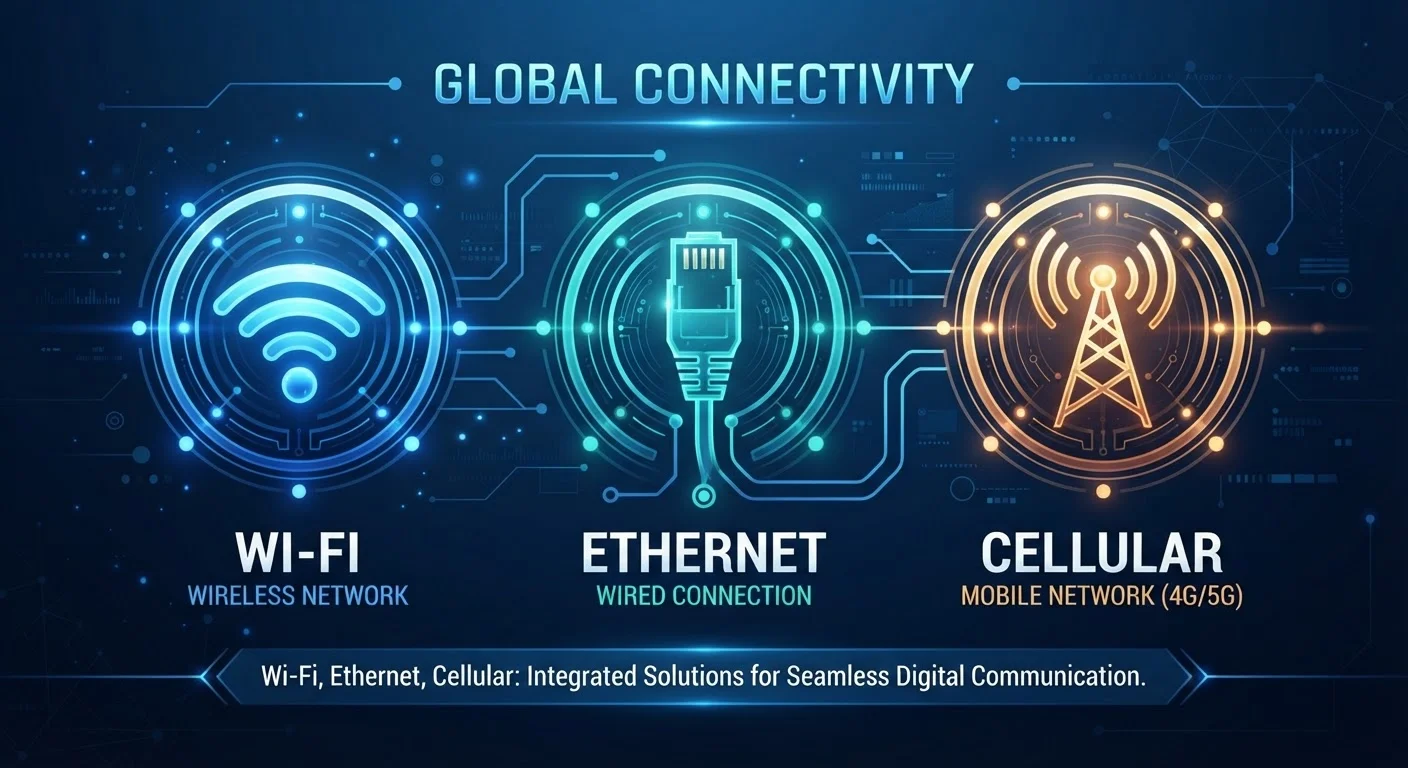
Photo: AdvisorBooth.net editorial
Key Takeaways
- Ethernet delivers the most stable, lowest-latency connection but requires a physical cable.
- Wi-Fi offers flexible wireless convenience at the cost of some speed consistency and range.
- Cellular provides internet access anywhere with signal, making it essential for mobile use.
- Each connection type serves different needs - most households benefit from using more than one.
How Each Connection Type Gets You Online
Every device you connect to the internet uses one of three fundamental technologies: Wi-Fi, Ethernet, or cellular. Each takes a different physical path to move data, and those differences shape speed, reliability, and where you can use them.
Ethernet sends data over a physical cable - typically a twisted-pair Cat5e, Cat6, or higher-rated cable - directly from your router or modem to your device. Because the signal travels through a dedicated wire, it isn't shared with neighbors or disrupted by walls and appliances.
Wi-Fi transmits the same data wirelessly using radio frequencies - most commonly the 2.4 GHz and 5 GHz bands. Your router broadcasts a signal, and compatible devices connect to it without cables. For a deeper look at how those two bands behave differently, see which Wi-Fi band to use in each room.
Cellular data works through a network of towers managed by mobile carriers. Your smartphone or cellular-enabled tablet communicates with the nearest tower using radio signals across licensed spectrum. Standards like 4G LTE and 5G define how fast and how efficiently that communication happens.
Ethernet: Wired, Reliable, and Fast
For devices that stay in one place - a desktop computer, a gaming console, a streaming TV box - Ethernet is typically the most dependable option available. A wired connection offers several concrete advantages.
- Lower latency: Latency (often called ping) measures how quickly data travels to a server and back. Ethernet keeps this figure consistently low, which matters for online gaming and video conferencing.
- Consistent speed: Unlike Wi-Fi, a wired connection doesn't fluctuate when a neighbor's router broadcasts on the same channel or when a microwave runs nearby.
- No interference: Physical cables don't share airspace with other devices.
The main trade-off is obvious: cables. Running Ethernet through walls or across rooms can be inconvenient, and mobile devices - phones in particular - rarely include an Ethernet port at all. For most households, Ethernet is worth prioritizing for one or two performance-critical devices, even if everything else connects wirelessly.
| Ethernet | Wi-Fi | Cellular | |
|---|---|---|---|
| Mobility | None - requires cable | Within router range | Anywhere with signal |
| Typical latency | Very low (1-5 ms) | Low to moderate (5-50 ms) | Moderate to high (20-100+ ms) |
| Speed consistency | Very consistent | Variable by environment | Variable by signal and load |
| Setup complexity | Requires cable runs | Router needed; mostly plug-and-play | SIM or data plan required |
| Data cost | Included in broadband plan | Included in broadband plan | Per-GB or plan-capped |
| Best use case | Gaming, streaming, fixed desktops | Laptops, phones, smart home | Travel, remote areas, backup |
Wi-Fi: The Convenience Standard
Wi-Fi has become the default connection for most home devices because it removes the cable without a dramatic drop in everyday performance. Modern Wi-Fi standards - particularly Wi-Fi 6 (802.11ax) and the newer Wi-Fi 6E - offer real-world speeds that comfortably handle 4K streaming, video calls, and large file downloads simultaneously.
That said, wireless performance depends heavily on environment. Thick walls, distance from the router, and competing signals in dense neighborhoods all introduce variability. Devices far from the router may see noticeably slower speeds than those directly beside it. If you find your connection inconsistent, common Wi-Fi misconceptions may be contributing to the problem.
For homes with multiple floors or sprawling layouts, a mesh network system can extend reliable Wi-Fi coverage where a single router falls short. Understanding mesh networks vs. traditional routers helps clarify whether that upgrade makes sense for your space.
Position Your Router Strategically
Cellular: Internet Without Infrastructure
Cellular data's defining advantage is independence from fixed infrastructure. You don't need a router, a cable, or even a building - as long as your device has signal, you have internet access. This makes it indispensable for travel, commuting, and locations where wired broadband isn't available.
4G LTE, the current baseline for most U.S. carriers, delivers speeds sufficient for video calls and streaming in good conditions. 5G, where available, pushes theoretical speeds significantly higher - though real-world performance varies widely based on tower proximity, network load, and whether you're on a sub-6 GHz or millimeter-wave (mmWave) 5G connection.
Cellular has meaningful limitations for home use. Data plans typically carry caps or throttling thresholds, costs per gigabyte run higher than fixed broadband, and signal strength varies by location. In areas without wired broadband options, fixed wireless access - where a cellular connection replaces home internet - is increasingly offered by carriers as a substitute, though it shares the same coverage constraints.
For a fuller picture of how different technologies deliver internet to your home, fiber, cable, DSL, and satellite explores the fixed-line side of that equation.
Choosing the Right Connection for the Task
In practice, most people use all three connection types - just in different contexts. A useful mental model is to match the connection to the device's situation:
- Use Ethernet for stationary, performance-sensitive devices: desktop PCs, gaming consoles, smart TVs, and network-attached storage drives.
- Use Wi-Fi for mobile devices that stay at home - laptops, tablets, smart speakers - where cables are impractical but a reliable home network is available.
- Use Cellular when you're away from any fixed network, or as a backup when home internet goes down.
Understanding your speed numbers helps contextualize these choices. What Mbps and Gbps actually mean can clarify whether the connection you have is genuinely sufficient for what you're doing. Security is another consideration: on any shared or public network - whether Wi-Fi or cellular - understanding what a VPN does and doesn't protect is worthwhile before transmitting sensitive information.
The content on this site is for informational purposes only and is not a substitute for professional advice. Always consult a qualified professional for guidance specific to your situation.