
Smart Home Devices Decoded: What a 'Hub' Actually Does

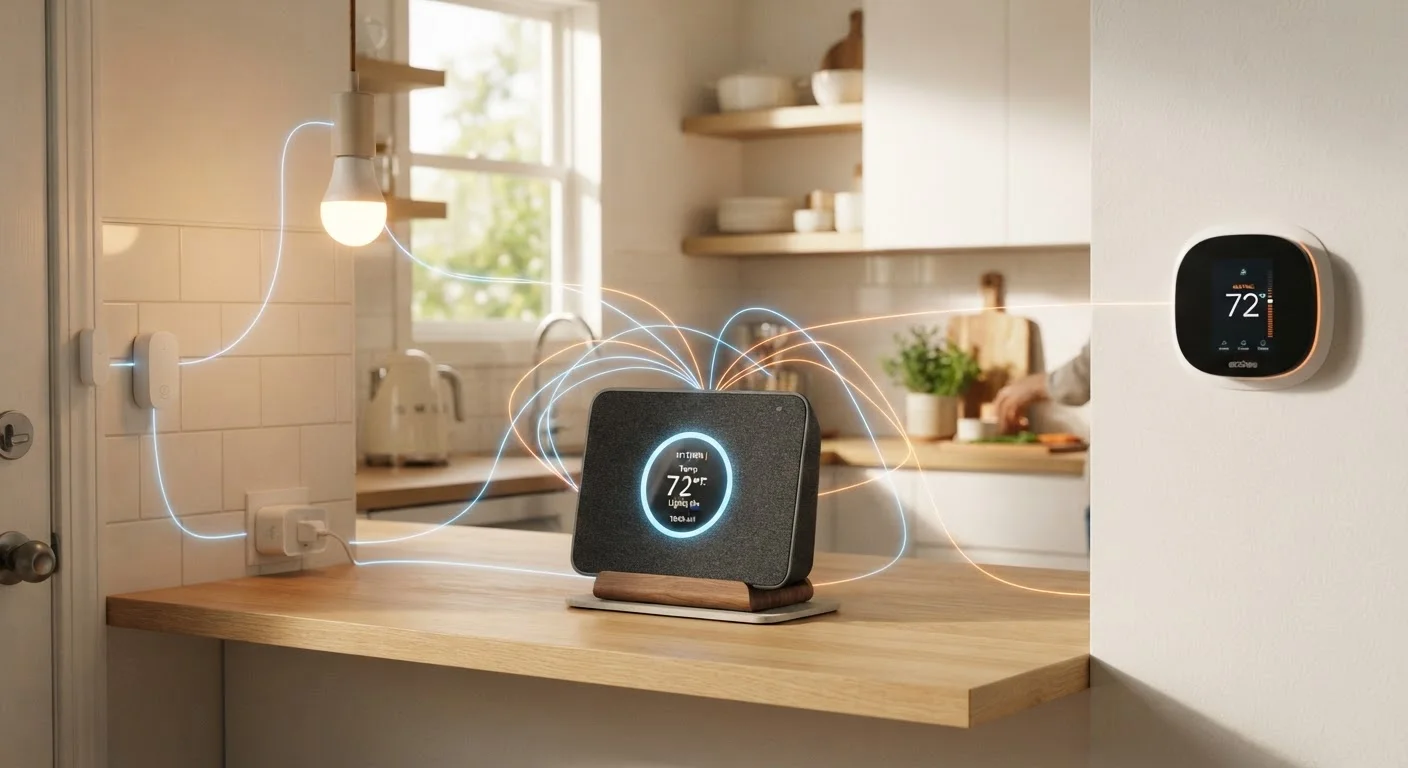
Photo: AdvisorBooth.net editorial
Key Takeaways
- A smart home hub centralizes control of multiple devices that use different wireless protocols.
- Not every smart home setup requires a hub - Wi-Fi-only devices can often connect directly to your router.
- Hubs differ from smart speakers, which add voice control but don't always manage device-to-device communication.
- Protocol compatibility is the most important factor when choosing a hub for your setup.
- The Matter standard is gradually reducing the need for protocol-specific hubs by creating a common language for devices.
The Problem a Hub Actually Solves
Smart home devices don't all speak the same language. A smart bulb might use Zigbee. A door lock might use Z-Wave. A thermostat might connect via Wi-Fi. Your smartphone understands Wi-Fi and Bluetooth, but it can't natively talk to Zigbee or Z-Wave devices without a translator in between.
That translator is the hub. It sits on your home network and maintains simultaneous connections to devices running different protocols. When you tap a button in an app - or when an automation rule fires - the hub converts that instruction into whatever language the target device understands and sends it along.
Without a hub, you'd need a separate app for every device brand, and those devices couldn't trigger each other automatically. A hub is what makes phrases like "when I unlock the front door, turn on the hallway lights" actually work. For context on the underlying wireless standards involved, our guide on Bluetooth, Wi-Fi, and NFC explains how each protocol is used.
Hub vs. Bridge vs. Smart Speaker: Clearing Up the Confusion
These three terms get used interchangeably, but they describe different things.
- A hub is a multi-protocol coordinator. It connects devices from many brands and protocols, runs local automations, and typically offers advanced rules and scheduling through a dedicated app or platform.
- A bridge is a single-brand protocol adapter. It connects one manufacturer's proprietary protocol - say, a mesh lighting system's Zigbee-based bulbs - to your Wi-Fi network so you can control them via the internet. It usually doesn't connect devices from other brands.
- A smart speaker provides voice interaction and can send commands to connected devices, but most smart speakers don't natively support Zigbee or Z-Wave and aren't designed to run local automations independently. Some newer devices combine speaker and hub functions in one unit.
Understanding which category a device falls into helps you avoid buying redundant hardware or discovering that your new gadget won't talk to your existing setup. Our home network glossary can help clarify additional networking terms you'll encounter when shopping.
300+
Smart home device brands supporting Matter protocol
The Connectivity Standards Alliance reported broad industry adoption of the Matter standard across major device categories as of its expanding rollout.
~63%
U.S. households with at least one smart home device
Statista research tracking U.S. smart home adoption has consistently shown majority household penetration across connected device categories.
When You Don't Actually Need a Hub
A hub is not a universal requirement. If your devices all connect via standard Wi-Fi, they can communicate through your existing router without any additional hardware. Many popular smart plugs, cameras, and thermostats are Wi-Fi-native and managed through cloud apps - no hub required.
You might skip a hub if:
- All your devices are from one ecosystem that handles coordination in the cloud.
- You only have a handful of devices and don't need cross-brand automation.
- Your devices already support Matter, the newer interoperability standard that removes protocol barriers.
The trade-off with cloud-only setups is reliability: if the manufacturer's servers go offline - or the company discontinues the product - your automations may stop working. Hubs that process commands locally are less vulnerable to these outages.
Start With Your Devices, Not the Hub
What to Look for When Evaluating a Hub
Protocol support is the starting point. Check which protocols your existing or planned devices use - Zigbee, Z-Wave, Thread, Wi-Fi, Bluetooth - and confirm the hub covers them. A hub that doesn't support your devices' protocol is simply incompatible, regardless of other features.
Beyond protocols, consider:
- Local vs. cloud processing: Local processing keeps automations running even when your internet is down and reduces latency.
- Ecosystem compatibility: Some hubs integrate tightly with major voice platforms; others are more open-source and customizable.
- Device limits: Some hubs cap the number of devices you can add on a basic tier.
- Matter support: As more devices adopt this unified standard, a Matter-compatible hub becomes more future-proof.
Spec sheets for hubs can be dense - our guide on reading product specifications can help you separate meaningful figures from marketing language. For multi-room setups, it's also worth understanding how your home network handles device traffic - a concept covered in our piece on mesh networks vs. traditional routers.
Frequently Asked Questions
The content on this site is for informational purposes only and is not a substitute for professional advice. Always consult a qualified professional for guidance specific to your situation.