
Bluetooth, Wi-Fi, and NFC: The Wireless Technologies Inside Your Gadgets

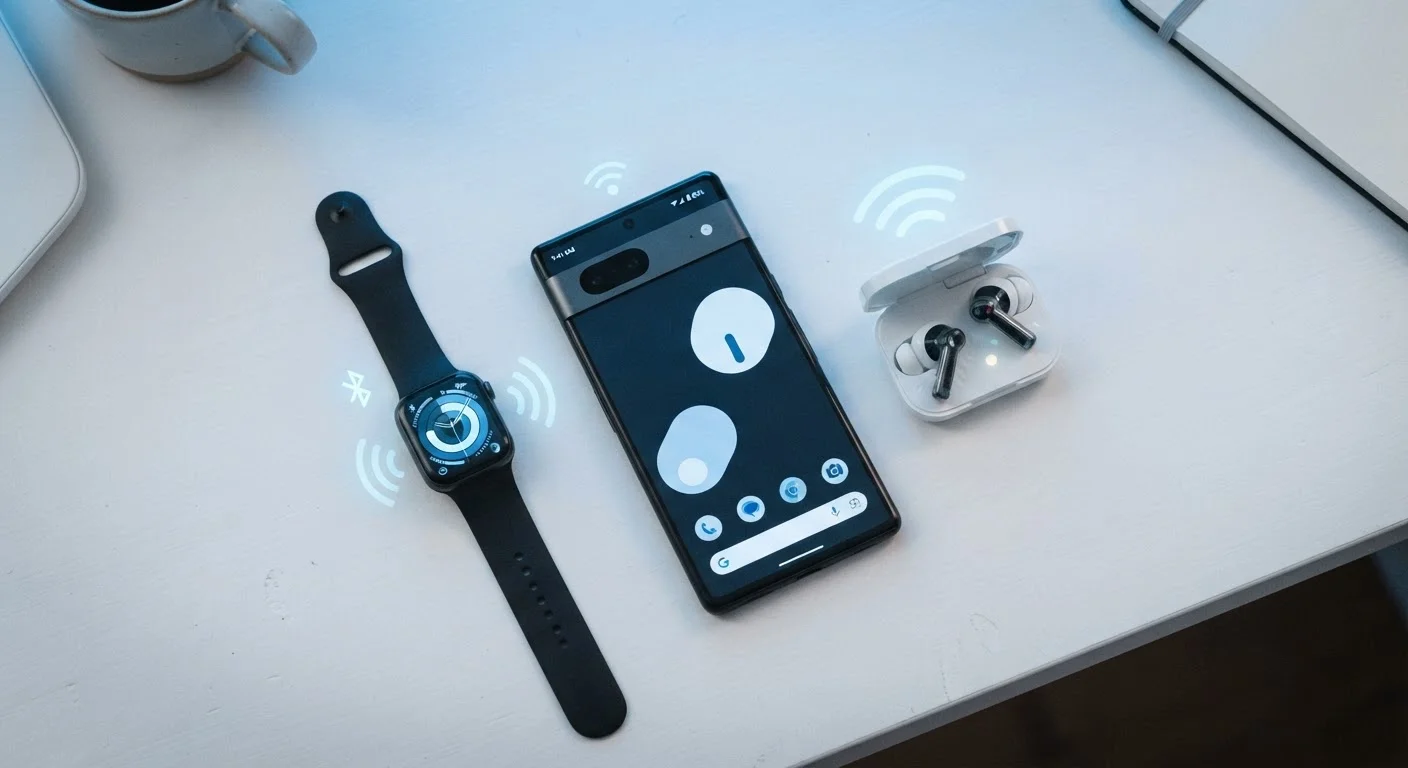
Photo: AdvisorBooth.net editorial
Three Technologies, Three Different Jobs
Your smartphone, laptop, and wireless earbuds don't rely on a single wireless system - they carry several, each designed for a specific purpose. Bluetooth, Wi-Fi, and NFC (Near Field Communication) are the three most common short-to-medium range wireless standards built into consumer electronics today. Understanding what each one does - and what it doesn't do - helps explain why your phone connects to earbuds differently than it connects to the internet, and why a contactless payment works in a split second.
| Bluetooth Typical Range | Up to ~30 feet (10 meters) (Bluetooth SIG specifications) |
| Wi-Fi Indoor Range | Up to ~150 feet (45 meters) indoors, varies by router and obstacles (IEEE 802.11 standard estimates) |
| NFC Operating Distance | Up to ~4 cm (about 1.5 inches) (ISO/IEC 18000-3 NFC standard) |
| Radio Band (Bluetooth & Wi-Fi 2.4 GHz) | 2.4 GHz (shared band) |
| Wi-Fi Additional Band | 5 GHz (faster, shorter range) (IEEE 802.11ac/ax specifications) |
| NFC Data Exchange Speed | Up to 424 Kbps (NFC Forum technical specifications) |
For a broader look at how different connection types compare, see our guide to Wi-Fi, Ethernet, and cellular.
Bluetooth: Short-Range, Low-Power Device Pairing
Bluetooth is designed to link personal devices together over short distances - typically up to about 30 feet (10 meters) under real-world conditions, though newer versions can reach further in open space. It operates on the 2.4 GHz radio band and uses a technique called frequency hopping to reduce interference from other devices sharing the same spectrum.
The technology is optimized for low power consumption, which is why it's the standard choice for battery-dependent accessories: wireless earbuds, fitness trackers, keyboards, mice, and car audio systems all use it. Bluetooth doesn't provide internet access on its own - it creates a direct, device-to-device link. That's why pairing your earbuds to your phone doesn't affect your Wi-Fi connection. If you're exploring wireless earbuds, our article on what changes between wired and wireless earbuds covers how Bluetooth affects sound and reliability in practice.
Bluetooth versions matter: Bluetooth 5.0 and later offer significantly longer range and faster data transfer than older versions, while Bluetooth Low Energy (BLE) enables devices like heart-rate monitors to run for months on a single small battery.
Wi-Fi: High-Speed Network Access
Wi-Fi connects devices to a local network - and through it, to the internet. It operates on either the 2.4 GHz or 5 GHz radio band (or both, on newer routers), covers much larger distances than Bluetooth, and handles substantially more data. That combination of range and speed makes it the right tool for streaming video, video calls, downloading files, and browsing the web.
Unlike Bluetooth, Wi-Fi requires a router - a central hub that manages the connection between your devices and your internet service. The tradeoff is power: Wi-Fi radios consume more energy than Bluetooth, which is why laptops and phones deplete battery faster on an active Wi-Fi connection than with simple Bluetooth accessories.
Wi-Fi Band Choice Affects More Than Speed
The band your device uses makes a meaningful difference in speed and range. The 2.4 GHz vs. 5 GHz Wi-Fi guide explains how to match each band to each room in your home. And if your connection feels sluggish, several common assumptions about Wi-Fi turn out to be wrong - the Wi-Fi myths article separates fact from fiction.
NFC: Instant Communication at a Touch
NFC operates at extremely close range - typically 4 centimeters (about 1.5 inches) or less. Rather than maintaining an ongoing connection like Bluetooth or Wi-Fi, NFC triggers a near-instant exchange of a small amount of data when two NFC-enabled surfaces come into close contact. That design makes it ideal for use cases where speed and simplicity matter more than sustained communication.
Contactless payments (like tapping your phone or card at a terminal), transit card tapping, pairing accessories with a single tap, and reading NFC product tags all rely on this technology. NFC chips can also be passive - meaning they don't need their own power source and can be embedded in stickers, cards, or product packaging that activates only when an NFC reader comes close.
The tradeoff is intentional: the tiny range that makes NFC feel limiting is also what makes it secure. A transaction can only happen when the devices are physically adjacent, reducing the risk of accidental or unauthorized data exchange.
Bluetooth
A short-range wireless standard that creates direct device-to-device connections, typically within 30 feet. It's optimized for low power consumption and is common in accessories like headphones, keyboards, and fitness trackers.
Wi-Fi
A wireless networking technology that connects devices to a local network and, through a router, to the internet. It supports much higher data speeds and longer range than Bluetooth, at the cost of higher power use.
NFC (Near Field Communication)
A wireless standard that enables data exchange between two devices held within about 1.5 inches of each other. It's used for contactless payments, transit tapping, and instant device pairing.
Frequency Hopping
A technique used by Bluetooth where the signal rapidly switches between dozens of radio frequencies to reduce interference from other wireless devices sharing the same band.
Bluetooth Low Energy (BLE)
A version of Bluetooth optimized for minimal power consumption, enabling devices like fitness trackers and medical sensors to run for extended periods on small batteries.
Passive NFC Tag
An NFC chip that has no internal power source and only activates when brought close to an active NFC reader. Commonly embedded in product labels, cards, and stickers.
Choosing the Right Wireless Tool
The three technologies aren't interchangeable - each fills a lane. Bluetooth handles ongoing, low-power links between personal devices. Wi-Fi delivers the bandwidth needed for internet-connected tasks. NFC handles instantaneous, proximity-triggered data exchanges. In many devices, all three coexist: a smartphone uses Wi-Fi to stream music, Bluetooth to send audio to wireless speakers, and NFC to tap-and-pay at checkout - all within minutes of each other.
Knowing which technology is doing what also helps when things go wrong. A Bluetooth dropout is different from a Wi-Fi outage, and neither is related to an NFC failure. For deeper context on how home networks and internet connections fit together, the Internet & Connectivity hub is a good starting point.
The content on this site is for informational purposes only and is not a substitute for professional advice. Always consult a qualified professional for guidance specific to your situation.