
Your First Time Shopping Online: What You Need to Know

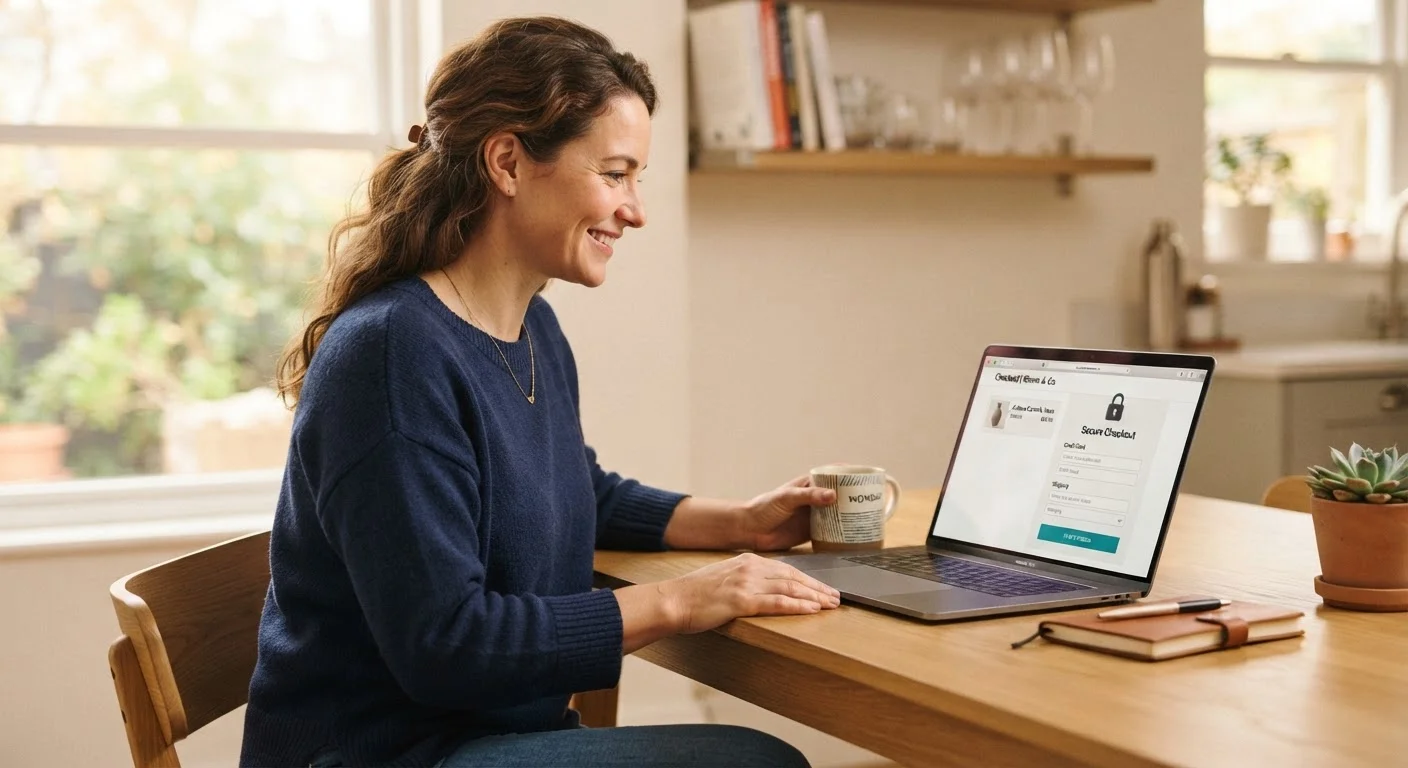
Photo: AdvisorBooth.net editorial
Key Takeaways
- Use a unique, strong password for every retailer account you create.
- Credit cards typically offer stronger fraud protection than debit cards for online purchases.
- Look for "https" and a padlock icon before entering any payment information.
- Legitimate stores will never ask for your Social Security number at checkout.
- Always save your order confirmation email until the item arrives and you're satisfied.
- You have the right to dispute unauthorized charges - know how before you shop.
Setting Up Your Account Safely
Most online stores ask you to create an account before you can complete a purchase. This gives you order history access and faster checkout in the future - but it also means your credentials are stored on their servers.
Use a unique password for every retailer. Reusing the same password across sites is the single most common way accounts get compromised: if one site has a data breach, attackers try those same credentials everywhere else. If managing multiple passwords sounds overwhelming, see our guide on getting started with a password manager.
When a site offers two-factor authentication (2FA) - where a code is sent to your phone or email to confirm it's really you - turn it on. It adds about 10 seconds to login and significantly raises the barrier for anyone trying to access your account without permission.
HTTPS
A secure version of the web protocol that encrypts the data traveling between your browser and a website, protecting your payment and personal information from being intercepted.
Two-factor authentication (2FA)
A security step that requires you to confirm your identity in two ways - usually your password plus a code sent to your phone - making it much harder for someone else to log in as you.
Chargeback
A process where your card issuer reverses a charge on your behalf when goods weren't received or were significantly not as described. It's a consumer protection mechanism, not a loophole.
Tracking number
A unique code assigned to your shipment by the carrier. You enter it on the carrier's website to see exactly where your package is in transit.
Data breach
An incident where unauthorized parties gain access to a company's stored data, potentially exposing usernames, passwords, or payment information of its customers.
Return policy
A retailer's written rules about whether and how you can send a product back for a refund or exchange, including the time window and any conditions that must be met.
Understanding the Checkout Process
Before you enter a single digit of your payment information, look at the web address bar. A secure site will begin with https:// (not just http://) and show a padlock icon. The "s" stands for secure and means the connection is encrypted. Never enter payment details on a page that lacks this.
The checkout flow typically moves through: cart review → shipping address → shipping speed → payment → order confirmation. At each step, take a moment to verify the totals. Shipping costs, taxes, and handling fees are often added late in the process - you should see the final amount clearly before clicking the pay button.
Be thoughtful about what information you share. Retailers genuinely need your email, shipping address, and payment method. Read more about what personal information online stores actually need to understand which fields are optional and which carry risk if overshared.
Choosing a Payment Method
Your payment method directly affects how protected you are if something goes wrong. This is one of the most important decisions a first-time online shopper makes.
Credit cards generally provide the strongest protection for online purchases. Under federal law, your liability for unauthorized credit card charges is capped at $50 - and most major issuers offer $0 liability policies. You also have the right to dispute a charge (called a chargeback) if goods never arrive or aren't as described. Debit cards draw directly from your bank account and have a narrower dispute window. See a full comparison in our article on debit cards vs. credit cards for online purchases.
Payment services that act as an intermediary can also be a solid option - they keep your full card number away from the retailer. Prepaid cards loaded with only what you plan to spend are another way to limit exposure, particularly on unfamiliar sites.
Use a Dedicated Email for Shopping Accounts
Spotting a Trustworthy Seller
Not every website that sells products is equally reliable. Before buying from a seller you've never used, do a quick check:
- Contact information: A legitimate retailer lists a physical address and a working customer service phone number or email - not just a contact form.
- Return policy: It should be easy to find (usually in the footer) and clearly written. Vague or absent return policies are a warning sign.
- Reviews: Look beyond the retailer's own site. Third-party review platforms give a more honest picture. Be cautious if reviews are extremely generic or all posted within a short window.
- Pricing: A price dramatically below market value isn't a deal - it's a signal. Understand how online shopping scams actually work so you can recognize the tactics before they cost you.
For a deeper dive into account security and seller verification, the guide on online shopping safety from start to finish covers what to do when a purchase goes wrong.
After You Order: What to Expect
Once you place an order, you should receive a confirmation email almost immediately. Save it - this is your proof of purchase and will contain your order number, a summary of what you bought, and eventually a tracking number once the item ships.
Delivery timelines vary. Standard shipping is commonly 5-7 business days; expedited options cost more and arrive faster. Use the tracking number to monitor progress through the carrier's website.
If your package is marked delivered but hasn't appeared, check with neighbors and building mail areas first, then contact the retailer. If the item arrives damaged or isn't what you ordered, document it with photos before reaching out to customer service.
As you get more comfortable shopping online, consider pairing smart spending habits with a broader financial plan. Our guide on building your first budget can help you set spending limits so online convenience doesn't quietly chip away at your savings. You can also explore saving strategies for practical ways to spend less without sacrificing what you need.
Watch for Phishing Emails After an Order
Frequently Asked Questions
The content on this site is for informational purposes only and is not a substitute for professional advice. Always consult a qualified professional for guidance specific to your situation.