
What Personal Information Online Stores Actually Need From You

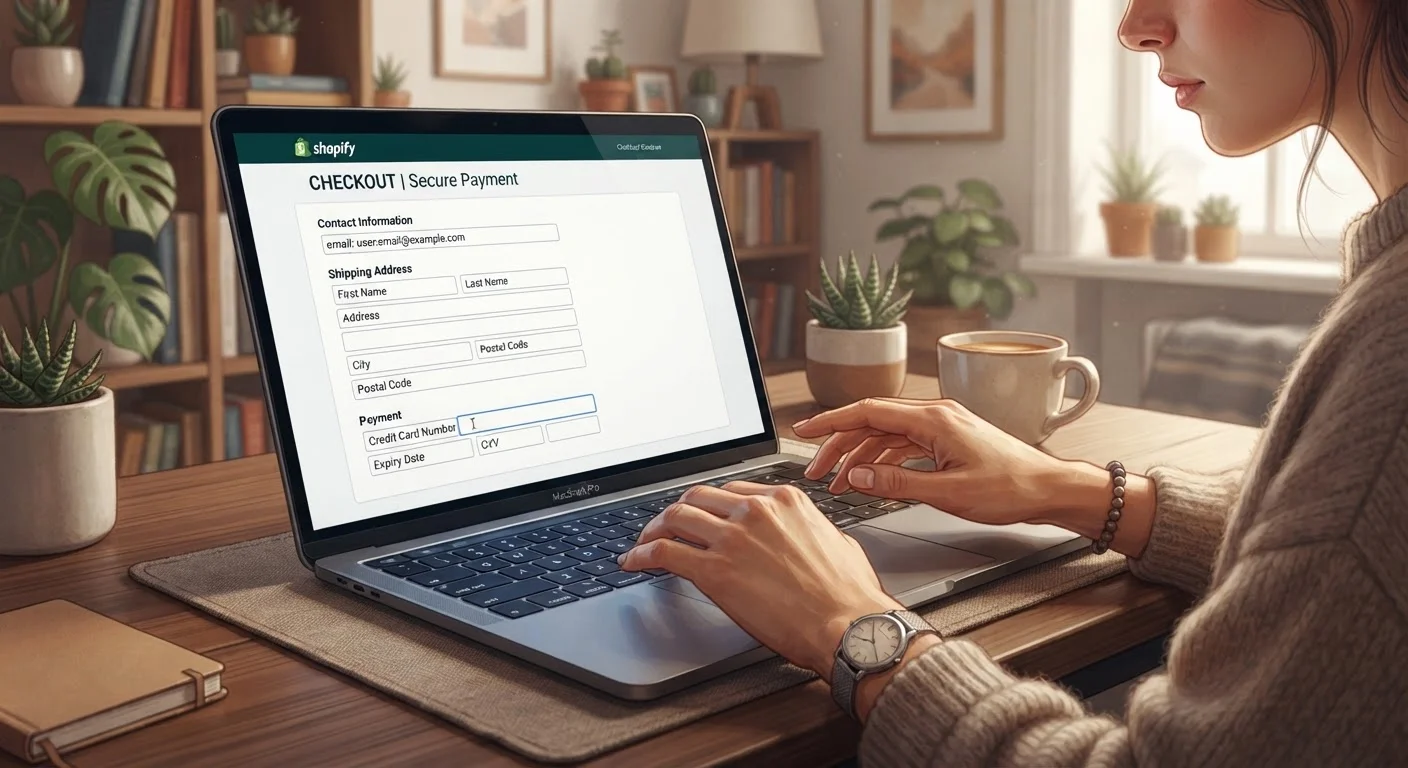
Photo: AdvisorBooth.net editorial
The Checkout Form: What's Actually Required
Every time you buy something online, you're handing over personal data - sometimes more than the transaction requires. Understanding which fields are genuinely necessary versus which are optional (or outright unnecessary) helps you limit your exposure without slowing down your shopping.
Here's what legitimate retailers actually need to complete a standard physical order:
- Shipping address: Full street address, city, state, and ZIP code. No exceptions for physical goods.
- Payment information: Card number, expiration date, and CVV - or credentials for a third-party payment processor. Required to charge you.
- Email address: For order confirmation and shipping notifications. One valid email is sufficient.
- Full name: For address matching and delivery.
- Phone number: Often listed as required, but typically only used by the carrier if there's a delivery issue. Many carriers work fine without it.
That's the core list. Everything beyond it - birth date, gender, secondary phone number, detailed account profile - is collected for the retailer's purposes, not yours.
| Truly Required for Physical Orders | Name, shipping address, email, payment info |
| Usually Optional Despite Appearance | Phone number, date of birth, account creation |
| Never Required to Complete a Purchase | Marketing opt-ins, social media login, demographic surveys |
| Guest Checkout Availability | Offered by most major retail platforms |
| Key Risk of Oversharing | Greater exposure in the event of a data breach or resale |
Fields That Are Usually Optional (Even When They Look Required)
Retailers sometimes use design choices - greyed-out labels, asterisks placed on optional fields, or mandatory account creation - to nudge you into sharing more than necessary. Knowing common patterns helps you push back.
Phone Number
Many sites mark this as required but will process your order without a valid number if the carrier doesn't flag it. Some shoppers use a Google Voice number or similar to avoid giving their personal mobile to every site they order from.
Date of Birth
Unless you're buying age-restricted products (alcohol, tobacco), there's no fulfillment reason a retailer needs your birthdate. It's typically collected for marketing segmentation.
Creating an Account
Guest checkout exists on most major retail sites. Account creation benefits the retailer (it locks in your data and enables retargeting) more than it benefits you for a one-time purchase. Look for a "continue as guest" or "checkout without account" option before filling out a registration form.
Marketing Opt-Ins
Pre-checked boxes for promotional emails or SMS alerts are common. These are never required to complete a purchase. Unchecking them - or reviewing your preferences after checkout - limits ongoing data use.
State Privacy Laws May Give You More Rights
For a broader look at how to evaluate a site's legitimacy before you reach checkout at all, see the pre-purchase safety checklist we put together for online shoppers.
Why Oversharing Carries Real Risk
The more data you hand over, the more is at stake if a retailer suffers a data breach, sells information to third parties, or has weak internal data practices. A name plus email plus phone number plus shipping address is a meaningful identity profile - enough to enable phishing attacks, spam calls, or account-takeover attempts elsewhere.
Minimizing what you share is a practical risk-reduction strategy, not paranoia. Some specific habits worth building:
- Use a dedicated email address for shopping, separate from your primary inbox. If that address gets spammed or appears in a breach, the damage is contained.
- Review saved payment data periodically. Stored card details on retail sites create exposure if those sites are compromised. Weigh the trade-offs before clicking "save card."
- Read the privacy policy summary - specifically, whether the site sells or shares data with third parties and what your opt-out rights are.
- Use virtual card numbers where your bank offers them. These can be single-use or merchant-locked, limiting exposure even if the number is compromised.
For a full picture of how to protect yourself across the entire shopping process, our complete online shopping safety guide covers account security, payment protection, and dispute resolution in one place.
The content on this site is for informational purposes only and is not a substitute for professional advice. Always consult a qualified professional for guidance specific to your situation.