
Open Source vs. Proprietary Software: A Plain-Language Breakdown

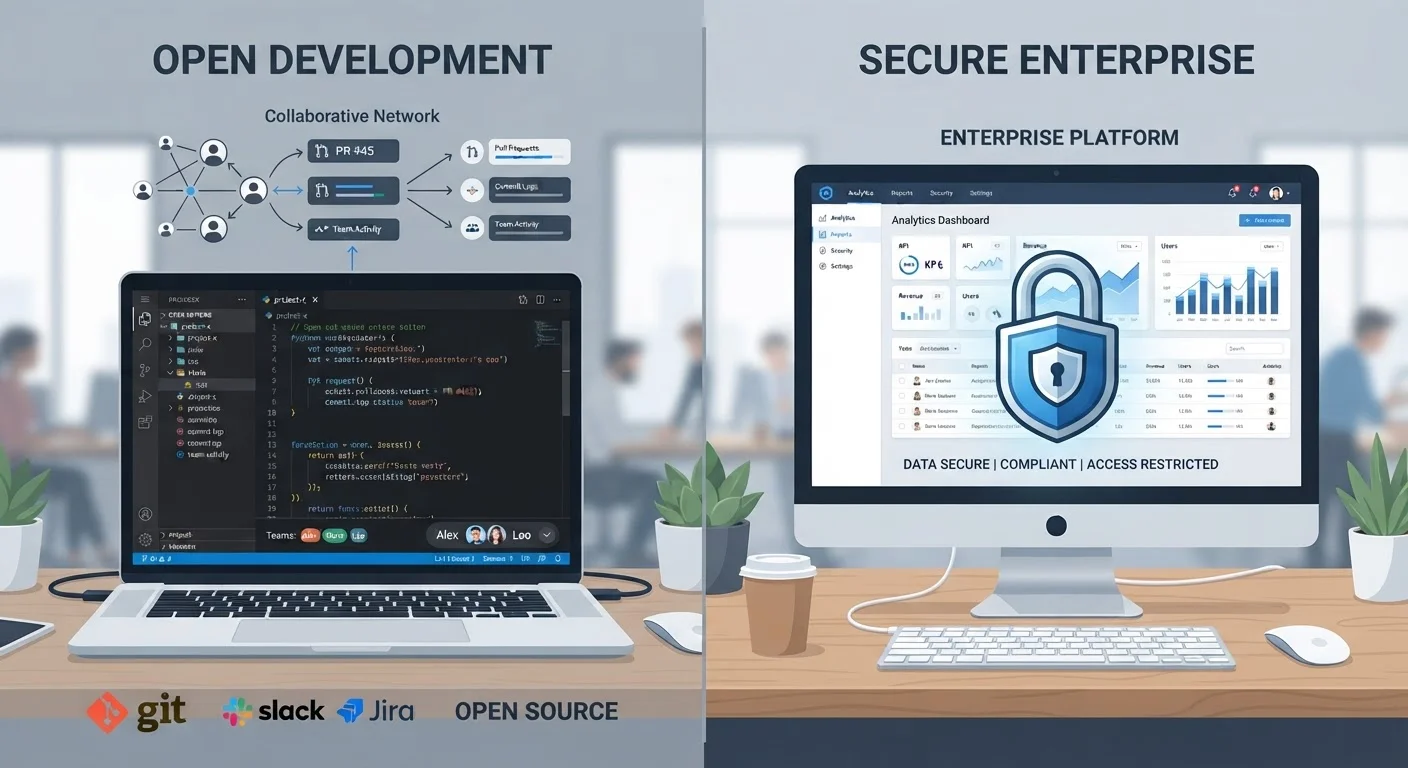
Photo: AdvisorBooth.net editorial
Key Takeaways
- Open source software makes its underlying code publicly available; proprietary software keeps it private and controlled by one company.
- Open source does not automatically mean free to use, and proprietary does not automatically mean expensive.
- Both models can be secure, but each carries distinct risks and responsibilities for users.
- Most everyday users already rely on a mix of both types without realizing it.
- The right choice depends on your need for support, customization, and control - not on a universal winner.
What Each Term Actually Means
Software is built from source code - the human-readable instructions that tell a computer what to do. The key difference between open source and proprietary software comes down to one question: who gets to see and use that code?
Open source software makes its source code publicly available under a license that grants specific rights. Depending on the license, users may be able to view, copy, modify, and distribute the code. Well-known examples include the Linux operating system kernel, the Firefox web browser, and the LibreOffice productivity suite.
Proprietary software - sometimes called closed source - keeps its source code private. Only the company or individual who owns it can view or modify the code. Users receive a finished product under a license that spells out what they may and may not do with it. Microsoft Windows and Adobe Photoshop are widely recognized examples.
Neither model is inherently superior. They reflect different philosophies about ownership, collaboration, and how software should be developed and maintained.
| Criterion | Open Source Software | Proprietary Software |
|---|---|---|
| Source code access | Publicly available | Private, restricted |
| Typical cost | Often free; paid tiers exist | License or subscription fee |
| Who develops it | Community and/or companies | Single vendor with paid staff |
| Customization | Usually permitted by license | Generally not permitted |
| Official support | Community-driven; varies | Dedicated vendor support |
| Security auditing | Open to independent review | Vendor-controlled internally |
| Examples | Linux, Firefox, LibreOffice | Windows, Photoshop, Microsoft 365 |
Who Builds It, and How
Open source projects are frequently maintained by a mix of contributors: volunteers, independent developers, and - increasingly - employees at large technology companies who contribute on company time. Foundations such as the Apache Software Foundation and the Linux Foundation provide governance structures for major projects. This distributed model can lead to rapid innovation but also means the pace and direction of development can be unpredictable.
Proprietary software is developed by a defined organization with paid staff, a structured roadmap, and commercial incentives. This often translates into more polished interfaces and consistent release schedules, but the direction of the product is entirely in the vendor's hands.
90%+
Enterprise software using open source components
Surveys by the Linux Foundation have consistently found that the vast majority of enterprise software stacks include open source components, even in otherwise proprietary environments.
Thousands
Contributors to major open source projects
Large projects like the Linux kernel receive contributions from thousands of individual developers and hundreds of organizations worldwide, according to Linux Foundation reports.
It's worth noting that the line isn't always clean. Many technology companies contribute heavily to open source projects while simultaneously selling proprietary products. Some businesses build commercial services on top of open source foundations - a model that is increasingly common in the software industry.
Cost, Licensing, and What 'Free' Really Means
Open source is often associated with zero cost, but that association can mislead. Open source refers to how the code is licensed, not necessarily the price. Some open source software is free to download; other projects charge for hosting, support, or enterprise features. The freedoms being granted are about access to the code, not necessarily about the price tag.
Proprietary software typically requires purchasing a license, subscribing to a service, or agreeing to terms that restrict how the software can be used or shared. Subscription-based pricing has become one of the dominant commercial models for proprietary software, replacing one-time purchases across many product categories.
It's also worth understanding that some software is free at the point of download but generates revenue in other ways. How no-cost apps actually make money is a related question that applies to both open source and proprietary products.
Licenses Determine the Real Rules
Security, Support, and Long-Term Reliability
A common assumption is that proprietary software is more secure because fewer people can see the code. Another common assumption is that open source is more secure because many eyes can spot flaws. Both claims contain some truth and some overstatement.
Open source software allows independent security researchers to audit the code, which can surface vulnerabilities that might otherwise go unnoticed. However, not every project has the resources to address reported issues quickly. Proprietary vendors may respond faster to critical vulnerabilities - but users have to trust that the company is actually looking for problems, since they cannot verify the code themselves.
Support is a meaningful practical distinction. Proprietary software typically comes with official support channels. Open source support often depends on community forums, documentation, and the scale of the user base. For organizations running mission-critical systems, this difference can carry real weight. Understanding what software end-of-life means is relevant here too - both open source and proprietary products can eventually lose active maintenance, leaving users without security updates.
The content on this site is for informational purposes only and is not a substitute for professional advice. Always consult a qualified professional for guidance specific to your situation.