
What 'End of Life' Means for Software - and Why It's Worth Paying Attention

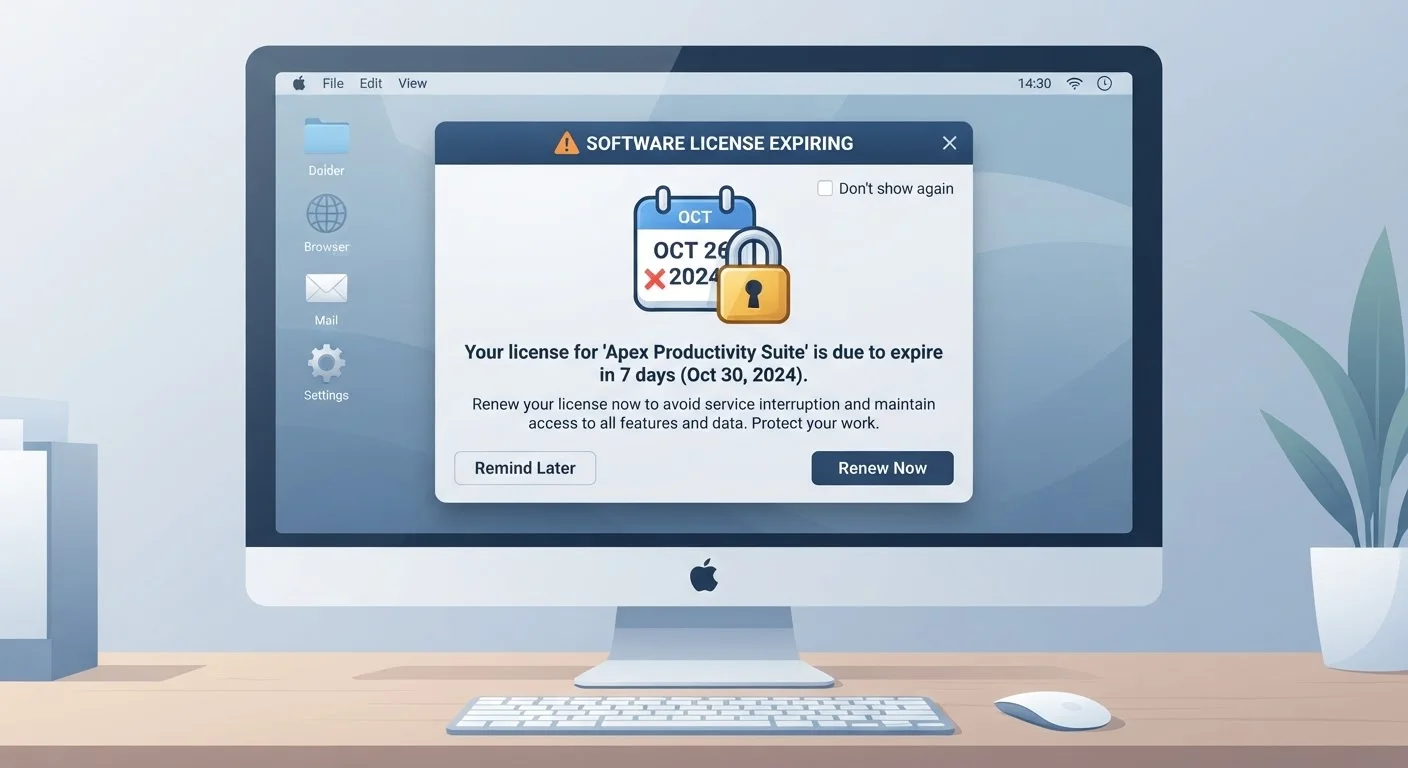
Photo: AdvisorBooth.net editorial
Key Takeaways
- End-of-life software still runs, but it no longer receives security patches from the developer.
- Unpatched software is a common entry point for cyberattacks and data breaches.
- EOL dates are published in advance, giving users time to plan a transition.
- Options after EOL include upgrading, migrating to a new platform, or switching to supported alternatives.
- Businesses often face higher stakes with EOL software due to compliance and data-security requirements.
What Actually Happens When Software Reaches End of Life
Picture a road that a city maintains - filling potholes, adding signage, keeping lighting working. Now imagine the city announces it will stop all maintenance on that road. Traffic can still use it, but every new pothole stays permanently unfilled. Software end of life works in much the same way.
When a vendor declares a product end of life, three things stop: security patches (fixes for newly discovered vulnerabilities), bug fixes (corrections for non-security errors), and technical support (help from the vendor if something breaks). The software itself keeps running exactly as it did before - at least for a while. Nothing gets remotely switched off on the EOL date.
The danger emerges gradually. Security researchers and cybercriminals alike constantly probe software for weaknesses. When a vulnerability is found in supported software, the vendor issues a patch. When that same type of vulnerability is found in EOL software, there is no patch - the gap stays open indefinitely. Over time, EOL products accumulate unresolved vulnerabilities, making them progressively more attractive targets.
EOL Applies to More Than Operating Systems
Why EOL Dates Are Set Years in Advance
Most major software vendors publish support timelines well before a product ships. This is partly practical - organizations running software across thousands of devices need years to plan migrations - and partly a commercial reality. Maintaining older codebases alongside newer ones consumes substantial engineering resources.
Vendors typically structure support in phases. A product might receive 'mainstream support' (including new features and bug fixes) for several years, followed by an 'extended support' phase where only critical security patches are issued. The final EOL date ends even that limited coverage.
61%
Of breaches involve unpatched vulnerabilities
According to the Ponemon Institute's research on data breach causes, a significant share of successful attacks exploit known vulnerabilities for which patches were available but not applied - a risk amplified when software is no longer receiving patches at all.
~5 years
Typical mainstream support lifespan for major OS versions
Major operating system vendors commonly offer around five years of mainstream support before transitioning products to extended or security-only support phases, with total supported life often reaching ten years.
Microsoft's Windows operating system is a well-known example: Windows 10, for instance, has a publicly documented EOL date, giving users a defined window to plan upgrades. This advance notice is deliberate - it shifts the risk of inaction onto users who choose to ignore the published timeline.
The Real-World Risks of Staying on EOL Software
For individual home users, running EOL software on a machine that handles banking, email, or personal documents creates meaningful exposure. Cybercriminals actively scan for systems running known-vulnerable software because exploitation is straightforward when no patch exists.
For businesses, the stakes are higher still. Many industry regulations - in healthcare, finance, and other sectors - require organizations to run supported software as part of their data-security obligations. Operating on EOL software can put a business out of compliance, even if no breach ever occurs.
A small business continues running an old version of its accounting software years after the vendor issued an EOL notice.
A home user keeps using an older operating system because everything 'seems to be working fine.'
A school district uses an outdated web browser on student computers that has reached end of life.
It is also worth noting that EOL software can affect more than security. Application compatibility erodes over time: websites may stop rendering correctly in an unsupported browser, file formats evolve, and other software you use may drop support for connecting to EOL systems. If you notice your device performing oddly, software - not aging hardware - is often the culprit.
Your Practical Options When Software Reaches EOL
Knowing the risks, what can you actually do? The options generally fall into a few categories:
- Upgrade to a supported version. Many software products offer a clear upgrade path. Upgrading to a current, actively supported release is the most straightforward resolution for most users.
- Switch to an alternative. If an upgrade is too costly or impractical, a different supported product that fills the same need may be worth exploring. Open source alternatives sometimes provide supported options without licensing costs.
- Evaluate whether the hardware can support newer software. Before assuming you need new devices, check whether your existing hardware meets the requirements of a supported version. See our guide to extending hardware life for practical context on hardware longevity.
- For businesses: consult a qualified IT professional. Large-scale migrations involve compatibility testing, staff training, and data integrity considerations that go beyond a straightforward upgrade.
One option notably absent from this list: paid extended security update programs that some vendors offer after standard EOL. These exist for enterprise customers in specific circumstances and are not a long-term substitute for migrating to a supported product. If you are currently on a subscription-based software model, it is worth understanding what support continuity is actually included - subscription software terms vary considerably.
The bottom line is straightforward: EOL dates are not arbitrary corporate maneuvers. They represent the point at which a product's security posture becomes impossible to maintain. Treating them as informational milestones - rather than distant irrelevancies - is a practical habit that costs nothing upfront and can prevent significant problems later.
Frequently Asked Questions
The content on this site is for informational purposes only and is not a substitute for professional advice. Always consult a qualified professional for guidance specific to your situation.