
How to Organize a Home Office That Actually Supports Focus

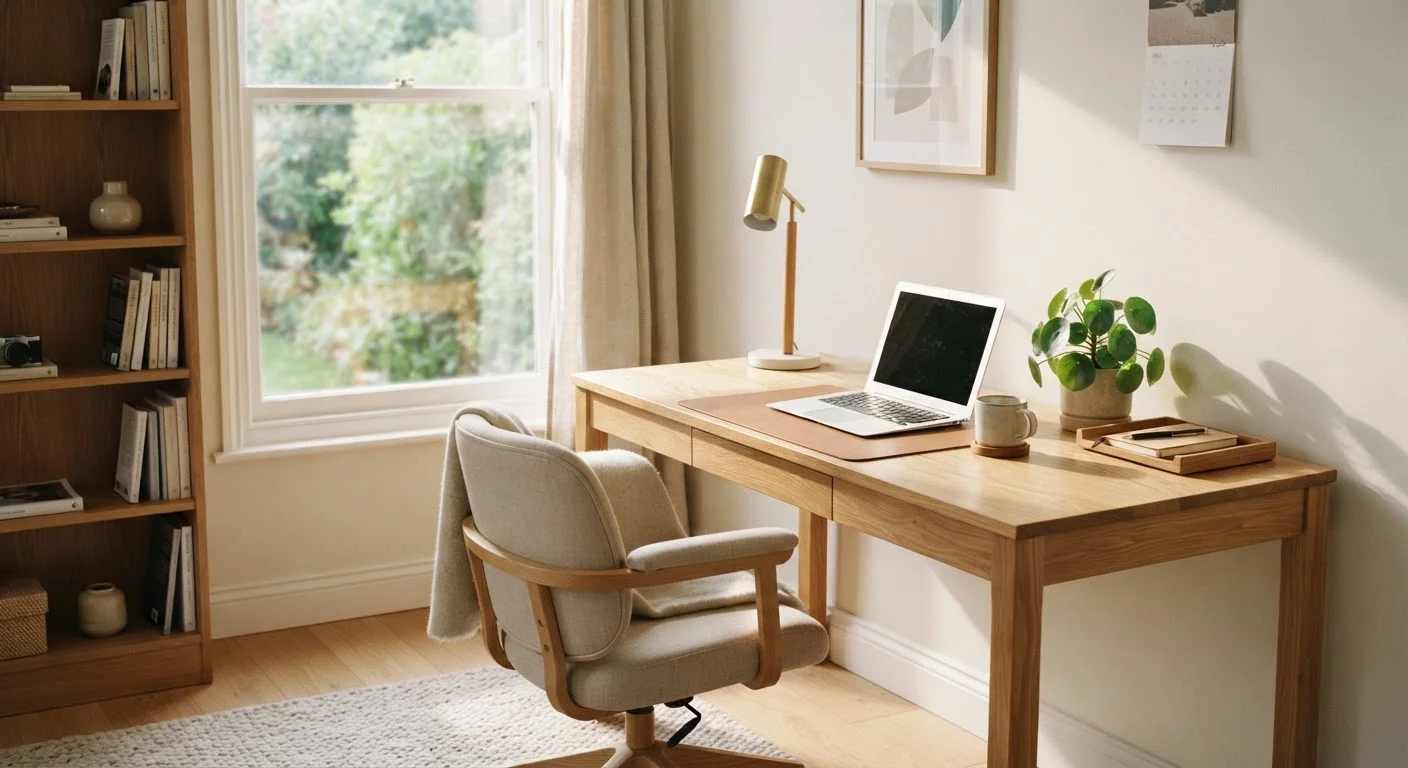
Photo: AdvisorBooth.net editorial
Key Takeaways
- Your physical layout - desk position, lighting, and zones - directly affects how easily you can focus.
- Keeping only what you use daily on your desk surface prevents visual overload before it starts.
- A simple end-of-day reset routine maintains order without requiring weekend reorganization sessions.
- Dedicated storage for paper and supplies removes the decisions that interrupt deep work.
- Small environmental cues - like a closed door or a specific lamp - signal your brain it's time to work.
Why Your Office Layout Is the Foundation
Before adding any storage or systems, look at how your space is physically arranged. Desk placement, traffic patterns, and lighting all shape your ability to concentrate. A desk facing a high-traffic hallway invites distraction; one angled toward a wall or window with natural light tends to support steadier focus.
Position your monitor so you aren't constantly turning your head, and keep your most-used items - keyboard, notepad, one or two pens - within arm's reach. Everything else should have a home farther away. This "zones by frequency" principle is simple but powerful: if something takes more than two seconds to grab, you're less likely to interrupt yourself reaching for it.
Consider the whole picture of your workspace as part of a larger effort to create a calmer home. See Home Organization From Every Angle for strategies that extend beyond a single room.
Best Practices for a Focused Home Office
These core practices address the most common causes of workspace chaos and concentration loss - from surface clutter to unmanaged paper to unclear work-life boundaries.
Clear your desk surface down to only what you use every single workday.
Assign every supply a specific, labeled home - even if the label is just a drawer position you remember.
Use cable management to keep cords out of your sight line and off your desk.
Create a distinct environmental cue that signals "work mode" to your brain.
Batch administrative tasks rather than handling interruptions as they arrive.
Taming Paper Before It Takes Over
Paper is one of the fastest ways a tidy office becomes a cluttered one. Mail, receipts, notes, and printed documents stack up between filing sessions and quickly cover usable desk space.
Set up a simple three-slot system: Action (needs a response or task), File (keep but done), and Recycle (toss immediately). Process incoming paper daily - even just for two minutes - so nothing sits in limbo. For documents you need to keep long-term, digitizing is worth the one-time effort.
For a fuller approach to managing household documents, see Paper Management at Home.
Start a "To File" folder, not a pile
Building a Daily Reset Habit That Sticks
Organization isn't a one-time project - it's a short, repeatable habit. A five-minute end-of-day reset is more effective than a monthly overhaul. Return items to their designated spots, clear your desk surface, close browser tabs, and write tomorrow's top two or three tasks on paper or a sticky note.
This ritual does double duty: it maintains the physical space and signals to your brain that work is done for the day, which supports clearer boundaries between work and home life - especially important when both happen in the same building.
If you share your home with others, coordinating these habits can add complexity. Shared Spaces, Different Standards offers practical strategies for households with different tidiness preferences.
The content on this site is for informational purposes only and is not a substitute for professional advice. Always consult a qualified professional for guidance specific to your situation.