
Internet & Connectivity

Keeping Your Home Network Secure: Habits That Actually Help

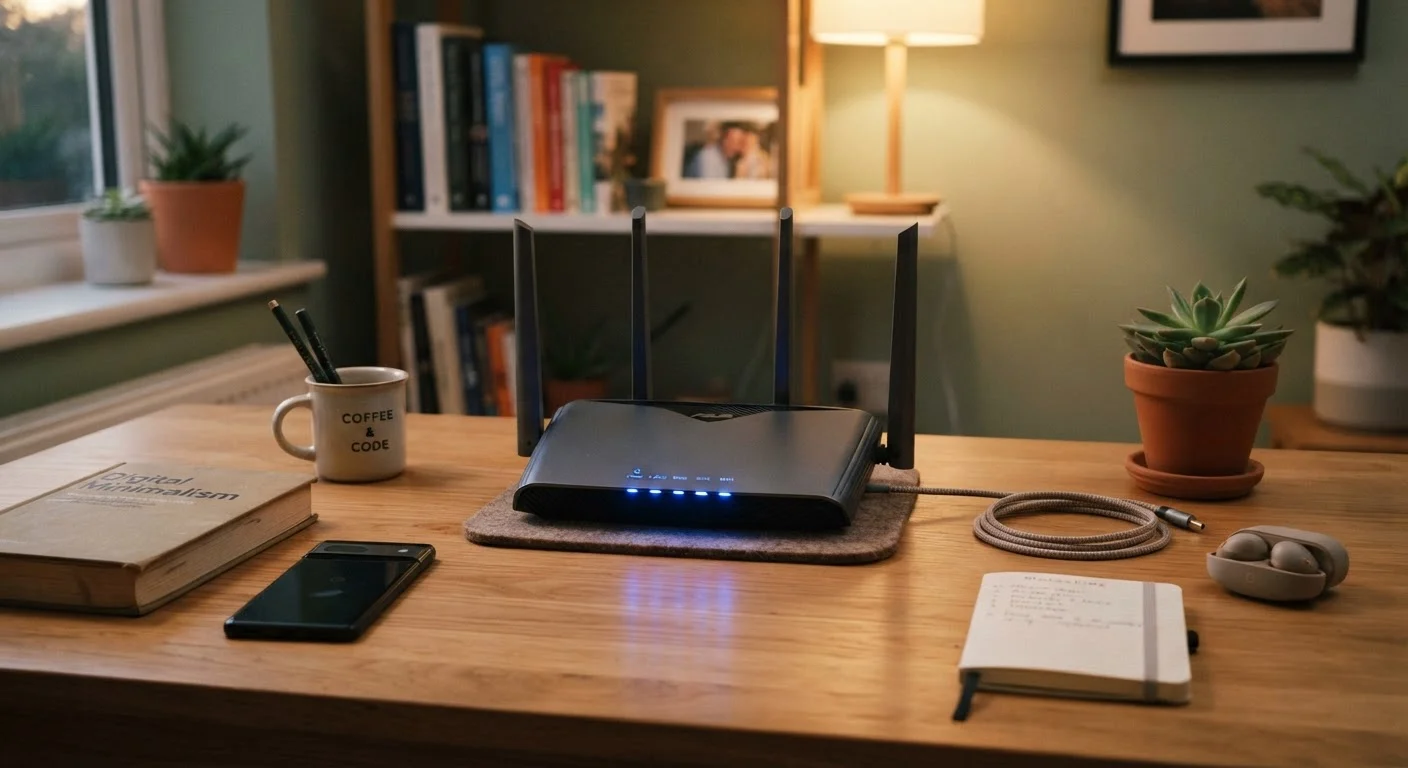
Keeping Your Home Network Secure: Habits That Actually Help

Photo: AdvisorBooth.net editorial

Strong passwords are just the start. These practical, non-technical habits can meaningfully reduce your home network's exposure to risk.

Key Takeaways

  • Changing your router's default admin password is one of the highest-impact steps you can take.
  • Keeping router firmware updated closes security gaps that attackers actively exploit.
  • A separate guest network limits how far any compromised device can spread damage.
  • Most meaningful network security habits take minutes to set up and run passively afterward.

Why Home Network Security Is Everyone's Concern

Home networks have grown considerably more complex. A typical American household now connects smartphones, laptops, smart TVs, thermostats, security cameras, and voice assistants — often all at once. Each device is a potential entry point for someone who shouldn't be there.

The good news: effective home network security doesn't require deep technical knowledge. It requires consistent, deliberate habits — many of which can be set once and largely forgotten. If you're new to understanding how your home internet works, our beginner's guide to home internet covers the fundamentals of routers, modems, and ISPs.

What follows are the habits that security professionals consistently point to as genuinely useful — not theoretical, not complicated, just effective.

Core Practices That Make a Real Difference

These aren't security theater. Each practice below addresses a real, documented risk vector for home networks.

1

Change your router's default admin credentials immediately after setup.

Routers ship with manufacturer-set usernames and passwords that are publicly documented and widely known. Leaving them unchanged means anyone who accesses your network — including devices that have been compromised — can potentially reconfigure your entire setup. This is one of the most commonly overlooked vulnerabilities in home networks.
Example: Log into your router's admin panel (typically via a browser address like 192.168.1.1) and replace the default username and password with a strong, unique combination you store securely.
2

Keep your router's firmware updated regularly.

Router manufacturers release firmware updates to patch known security vulnerabilities. Unpatched routers are a known target because many households never update them. Many modern routers offer automatic updates — enabling this feature is a simple, durable fix.
Example: Check your router's admin panel under 'Advanced' or 'Administration' settings for a firmware update option, or enable automatic updates if available.
3

Set up a separate guest network for visitors and smart home devices.

A guest network isolates traffic from your primary devices. If a smart TV or a guest's phone is compromised, it can't easily reach your laptops or personal files. Network segmentation is a principle used in enterprise security and applies just as meaningfully at home.
Example: Most modern routers include a guest network option in their settings. Enable it, give it a different password, and connect all smart home devices and guests to that network instead of your primary one.
4

Use WPA3 or WPA2 encryption — never WEP or an open network.

WEP (Wired Equivalent Privacy) is an outdated encryption standard that can be broken in minutes with freely available tools. WPA2 is broadly reliable, and WPA3 offers stronger protections. Leaving a network open — with no password — offers no encryption at all.
Example: In your router's wireless settings, look for the 'Security Mode' or 'Encryption' dropdown and select WPA3 if available, or WPA2-AES as a solid fallback.
5

Audit which devices are connected to your network periodically.

Over time, households accumulate connected devices — some no longer in use, others potentially unrecognized. An unfamiliar device on your network could indicate unauthorized access or a forgotten gadget with outdated software. Regular audits keep you informed.
Example: Most router admin panels include a 'Connected Devices' or 'DHCP Client List' section showing every device currently on your network by name or MAC address.

Quick Actions You Can Take Today

Some of the most impactful steps take under ten minutes. If you've been putting off tightening up your network, these are the places to start.

high Log into your router admin panel and verify you've changed the default admin password — if you haven't, do it now.
high Check your router's settings for a firmware update option and apply any available updates.
medium Enable a guest network in your router settings and move smart home devices onto it.
high Confirm your Wi-Fi is using WPA2 or WPA3 encryption — update it if it shows WEP or 'None.'

It's also worth reading about common gadget setup errors — many network vulnerabilities trace back to small missteps made during initial device configuration.

Passwords, Managers, and the Habit of Not Reusing

Weak or reused passwords remain one of the most common pathways into home networks. This applies not just to your Wi-Fi passphrase but also to your router's admin login — the portal that controls everything on your network.

Admin Password vs. Wi-Fi Password: Know the Difference

Your Wi-Fi password is what you enter to connect a device to your network. Your router's admin password is what you use to log into the router's settings panel itself — this is a separate, often overlooked credential. Both need to be strong and unique. Many people change their Wi-Fi password but leave the admin login at its factory default, which is a significant gap.

If managing unique passwords for every account feels overwhelming, a password manager handles the heavy lifting. Our first-timer's walkthrough on password managers explains how they work and what to expect when setting one up.

One common misconception worth addressing: hiding your Wi-Fi network name (SSID) does not meaningfully improve security, and restarting your router daily doesn't improve speed. Our piece on Wi-Fi myths separates fact from fiction on these points.

83%

Routers with unpatched known vulnerabilities

A study by consumer security researchers found the vast majority of home routers tested contained known, unpatched firmware vulnerabilities at the time of testing.

15+

Average connected devices per U.S. household

According to Deloitte's Digital Media Trends research, the average American household connects more than 15 devices to the internet — each representing a potential network entry point.

Technology Editorial Team

AdvisorBooth.net

Technology Editorial Team is the collective byline for our editorial team and contributor network. Articles published under this byline or an editorial pen name are researched, written, and reviewed according to our editorial standards for clarity, consistency, and independence before publication.

Devices & GadgetsInternet & ConnectivitySoftware & Apps
View author profile

The content on this site is for informational purposes only and is not a substitute for professional advice. Always consult a qualified professional for guidance specific to your situation.