
Everything Beginners Should Know About Home Internet

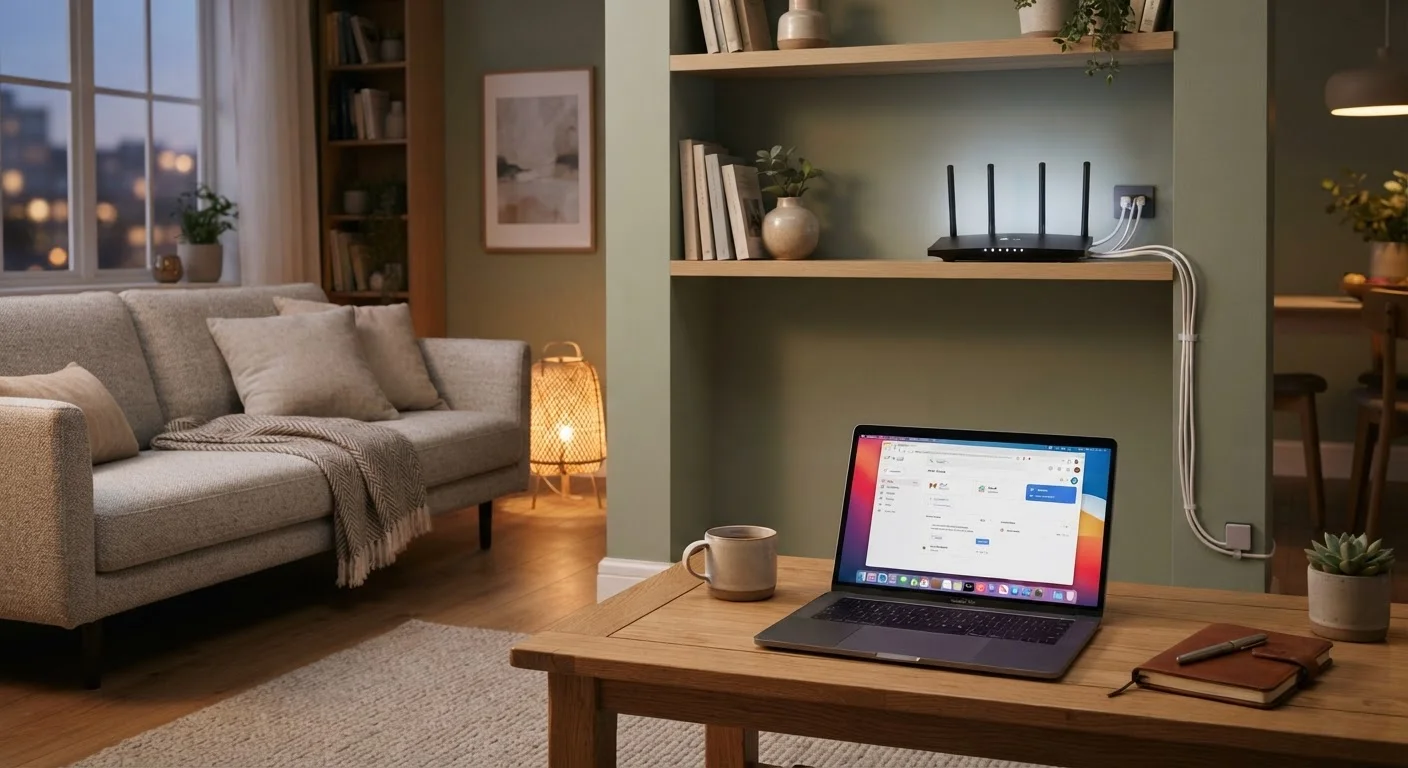
Photo: AdvisorBooth.net editorial
Key Takeaways
- Your internet connection flows from your ISP through a modem, then a router, to your devices.
- Modems and routers are different devices - many providers rent you a combined unit.
- Internet speed needs vary by household size and how you use the internet.
- A strong, unique Wi-Fi password is the single most important step to securing your network.
- ISPs vary in availability by address - always check what's actually offered at your location.
How Home Internet Actually Works
When you open a browser or stream a video, a lot happens behind the scenes in milliseconds. At its most basic level, home internet is a pipeline: data travels from servers elsewhere on the internet, through your internet service provider's (ISP's) infrastructure, into your home, and finally to your device.
Your ISP maintains cables or wireless towers that physically reach your home - whether through fiber-optic lines, coaxial cable, phone lines, or fixed wireless signals. From that entry point, hardware inside your home takes over to distribute that connection to your phones, computers, and smart devices.
Think of the internet itself as a global system of interconnected networks, all agreeing to communicate using the same set of rules. Your home simply needs a door into that system - which is exactly what your ISP and your home hardware provide. For a plain-English breakdown of the terms you'll encounter, see the Home Network Glossary.
ISP
Internet Service Provider - a company that sells you access to the internet, such as a cable company or phone carrier.
Modem
A device that connects your home to your ISP's network, translating their signal into one your home devices can use.
Router
A device that distributes your internet connection throughout your home via Wi-Fi or ethernet cables.
Bandwidth
The maximum amount of data that can travel through your connection at once - higher bandwidth generally means faster speeds.
SSID
The name of your Wi-Fi network as it appears when you scan for available connections on a device.
Mbps
Megabits per second - the standard unit for measuring internet connection speed.
The Key Hardware: Modem and Router
Two pieces of hardware do most of the work in a home network: the modem and the router.
The modem translates the signal coming from your ISP into a form your home devices can use. It's the point where the outside internet meets your home. The router then takes the modem's output and distributes it - creating the Wi-Fi network you connect your devices to, and managing traffic between them.
Many ISPs supply a single combined gateway device that functions as both. This is convenient, but some users prefer separate devices for more control or better performance. Either approach works for everyday use.
Restart Your Router Periodically
Your router's placement matters more than most people realize. Placing it centrally in your home, off the floor, and away from thick walls or large appliances gives you the best chance of strong signal throughout your space. Devices like smartphones and laptops used on the other side of the home from your router will always have weaker connections than devices nearby.
Choosing an Internet Service Provider
Your choice of ISP is largely determined by your address. Not every provider operates in every area, so the first step is finding out which ISPs serve your specific location - not just your city or zip code, but your actual street address.
Common connection types include:
- Fiber-optic: Typically the fastest and most reliable option where available, delivering data via light signals through glass cables.
- Cable: Uses the same infrastructure as cable TV; widely available and generally fast, though speeds can dip during peak hours.
- DSL: Delivered over phone lines; speeds are lower than fiber or cable but coverage is broad, especially in rural areas.
- Fixed wireless and satellite: Useful in areas where cables don't reach, though latency and speed can vary.
When evaluating plans, look at the monthly cost, contract length (if any), data caps, and what upload speeds are included - not just download speed, which is what most providers advertise.
Understanding Speed and What You Actually Need
Internet speed is measured in megabits per second (Mbps). Download speed is how fast data comes to your device - relevant for streaming and browsing. Upload speed is how fast your device sends data out - relevant for video calls and file sharing.
A rough guide for households:
- 1-2 people, light use (email, browsing): 25 Mbps download is often sufficient.
- 3-5 people, regular streaming and calls: 100 Mbps is a comfortable target.
- Larger households or heavy users with 4K streaming or remote work demands: 200 Mbps or more may be worth considering.
These are general reference points, not guarantees. Once you're online, you can use a browser-based speed test to check what speeds your connection is actually delivering versus what you're paying for. If there's a consistent large gap, contact your ISP.
Advertised Speeds Are Maximum Estimates
Staying Secure on Your Home Network
A home network that isn't secured is an open door. The most important step is setting a strong, unique password for your Wi-Fi network. Avoid using your name, address, or anything printed on the router by default - change the default password as soon as your router is set up.
A few other basic habits significantly reduce risk:
- Keep your router's firmware updated. Most modern routers have an option to do this automatically or check for updates in their settings app.
- Use WPA3 or WPA2 encryption if your router supports it - this is typically a setting in the router's admin panel.
- If you have guests frequently, consider setting up a separate guest network rather than sharing your primary network password.
Once you're online and comfortable with your setup, the next step many people take is learning how to use the internet safely for everyday tasks - including shopping online safely for the first time. For more in-depth reading on networking concepts, the Devices & Gadgets hub is a useful next stop.
Frequently Asked Questions
The content on this site is for informational purposes only and is not a substitute for professional advice. Always consult a qualified professional for guidance specific to your situation.