
What 'GHz' and 'Cores' Actually Mean for Your Everyday Device

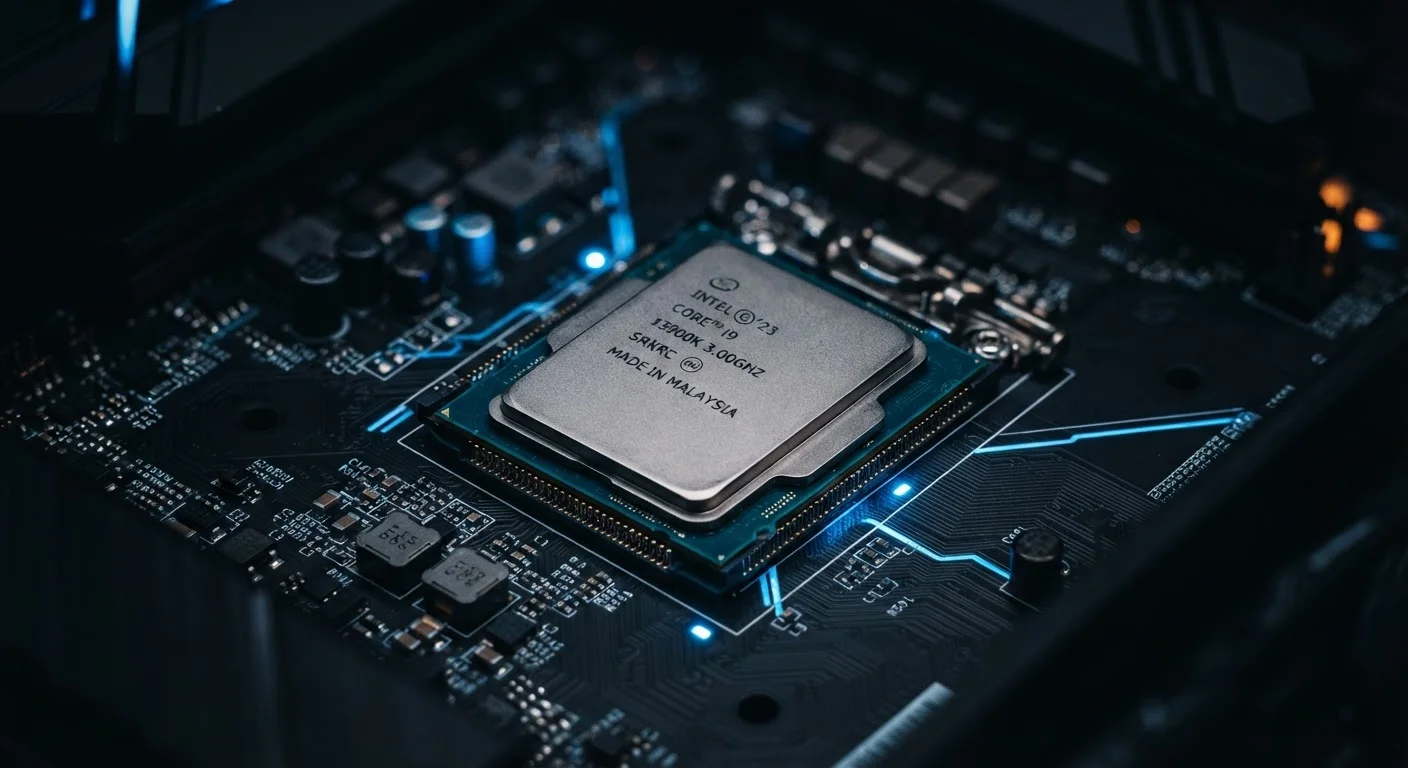
Photo: AdvisorBooth.net editorial
Key Takeaways
- GHz measures how fast a processor completes cycles - higher generally means faster single-task processing.
- Cores let a processor handle multiple tasks at once - more cores help with multitasking and demanding software.
- Neither GHz nor core count alone tells the full performance story; both specs work together.
- For most everyday tasks like browsing and streaming, modest processor specs are entirely sufficient.
- Understanding these terms helps you evaluate devices without being misled by raw numbers.
Clock Speed: What GHz Is Really Telling You
Every processor runs on a rhythm - a steady pulse called a clock cycle. Gigahertz (GHz) tells you how many billions of those pulses happen every second. A processor running at 3.5 GHz completes 3.5 billion cycles per second. Each cycle allows the chip to carry out a portion of an instruction, so faster cycles generally mean instructions get completed more quickly.
Think of it like the tempo of a metronome. A faster tempo doesn't guarantee a musician plays better music, but it does mean they can play more notes in the same amount of time. Similarly, a higher clock speed gives the processor more opportunities per second to execute instructions - which translates to snappier responses for tasks that run sequentially, one step after another.
Where clock speed matters most is in single-threaded workloads: tasks that can't be split across multiple processors and must run in a strict sequence. Certain games, financial calculations, and some legacy software fall into this category. For those, raw GHz remains a meaningful benchmark. For broader, more general use, clock speed is only part of the equation.
GHz Comparisons Only Apply Within Similar Architectures
Cores: How Processors Multitask
A core is an independent processing unit inside the chip. A processor with four cores can genuinely work on four separate streams of instructions at the same time. This is why modern devices routinely feature quad-core, hexa-core, or octa-core (six or eight core) processors.
Picture a kitchen: a single chef can only prepare one dish at a time. Add more chefs, and multiple dishes get made simultaneously. Cores work the same way - multiple cores allow a device to run your music app, sync email, refresh a browser tab, and monitor your battery all at once without each task bottlenecking the others.
Software has to be written to take advantage of multiple cores - this is called multi-threading. Most modern operating systems and major applications are designed this way. Creative tools like video editors, streaming encoder software, and modern games actively distribute work across all available cores. For those workloads, more cores have a direct, noticeable impact on how smoothly the software runs.
If you're curious about how your devices work together on a home network, the Internet & Connectivity hub offers plain-English explanations of how your devices communicate with each other and the wider internet.
4-8
Cores in most mainstream consumer laptops
Chip manufacturers have steadily increased core counts in consumer processors over the past decade, with quad- to octa-core configurations now common in mid-range devices.
~3x
Performance improvement from architecture vs. clock speed alone
Industry analyses have repeatedly shown that generational architectural improvements can deliver several times the efficiency gains compared to simply increasing GHz on the same design.
Why the Two Specs Work Together - Not in Isolation
Chip manufacturers have spent decades discovering that simply raising clock speed produces diminishing returns - pushing GHz higher generates more heat and consumes more power without proportional performance gains. This is why the industry shifted toward adding more cores and improving architectural efficiency instead.
Modern processors often use a mix of core types. Many chips pair high-performance cores (optimized for demanding bursts of work) with high-efficiency cores (designed for lighter background tasks at lower power draw). The processor dynamically routes workloads to whichever core type suits them best.
This means two processors with identical GHz ratings can perform very differently depending on their core architecture, cache memory, and manufacturing generation. That's why a newer chip at 3.2 GHz can comfortably outpace an older chip at 4.0 GHz. Raw numbers carry context - knowing the generation and architecture matters as much as the headline figure.
For a broader grounding in device terminology, see the Consumer Electronics Glossary, which defines 40 common tech terms without assuming prior knowledge. And if smart home devices are part of your setup, this explanation of what a smart home hub does puts the hardware in practical context.
A student uses a laptop primarily for writing papers, browsing research websites, and attending video lectures.
A freelance video editor works with 4K footage, running editing software while previewing clips and exporting finished files.
A gamer plays competitive online games that prioritize high frame rates and fast response times.
A household member streams music, has email open, and browses social media simultaneously on a phone.
What This Means for Everyday Device Use
For the vast majority of everyday tasks - browsing the web, streaming video, video calling, handling documents - processor demands are relatively modest. A mid-range processor from the past few years handles these comfortably regardless of whether it has a blazing clock speed or an exceptional core count.
Where specs start to genuinely matter is at the edges of typical use: editing high-resolution video, playing graphically intensive games, running multiple demanding applications simultaneously, or using professional creative tools. In those scenarios, both higher clock speeds and more cores contribute meaningfully to a smoother experience.
The most practical takeaway is this: rather than chasing the highest GHz or the most cores available, consider what you actually do with your device. Match the processor's strengths to your real workload, and you'll get far better value than simply optimizing for headline numbers. Just as understanding internet speed numbers helps you choose the right plan - as explored in this guide to Mbps, Gbps, and internet speed - understanding processor specs lets you cut through marketing noise and focus on what actually affects your experience.
Frequently Asked Questions
The content on this site is for informational purposes only and is not a substitute for professional advice. Always consult a qualified professional for guidance specific to your situation.