
Screen Resolution Numbers, Demystified

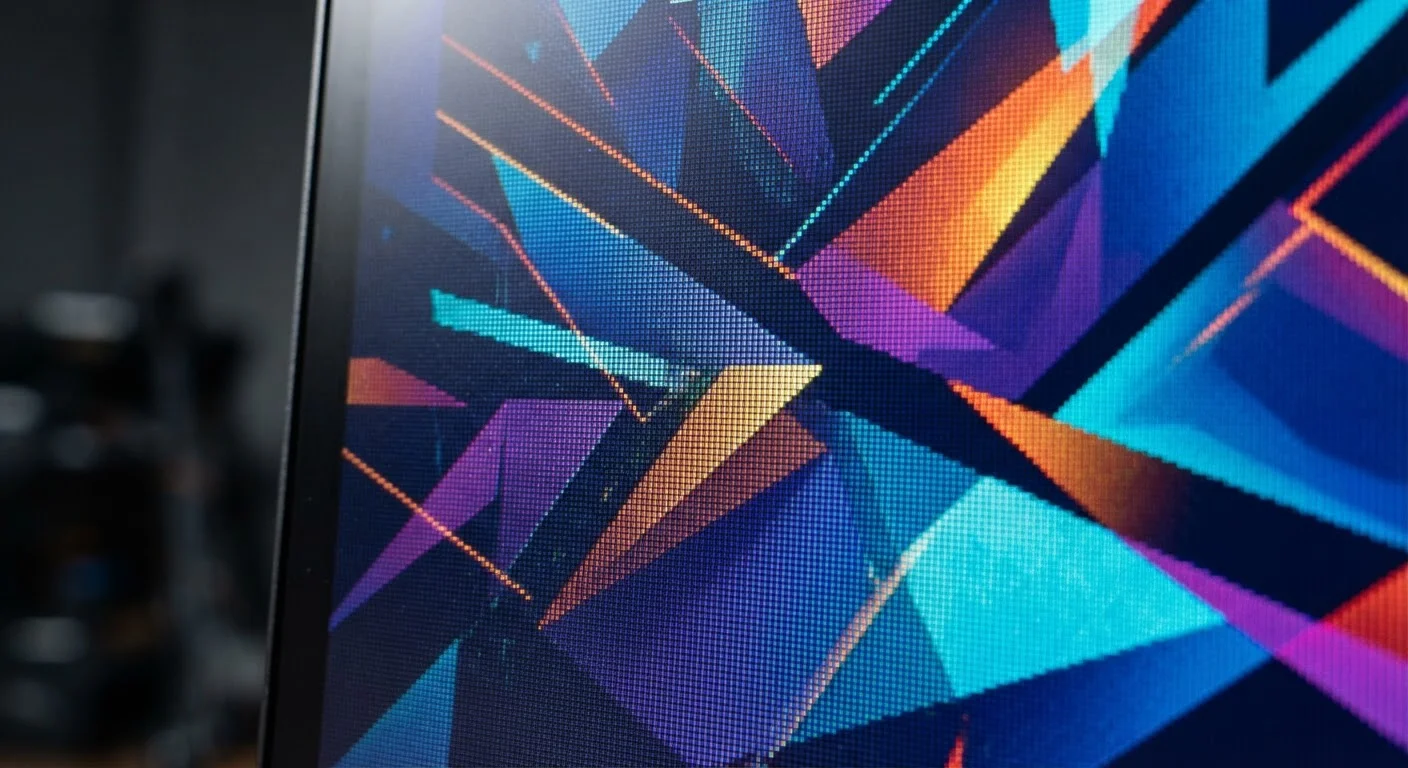
Photo: AdvisorBooth.net editorial
Key Takeaways
- Resolution is a pixel count - width multiplied by height - not a measure of physical screen size.
- Labels like 1080p and 4K are shorthand; the actual pixel dimensions behind them follow consistent standards.
- Pixel density (PPI) determines how sharp an image looks, which depends on both resolution and screen size.
- Higher resolution does not always mean a visibly better picture - viewing distance and screen size both matter.
- Content must be produced at a given resolution for a display to show its full benefit.
What Screen Resolution Actually Means
Every screen - phone, laptop, TV, or monitor - is made up of millions of tiny dots called pixels. Resolution is simply the count of those pixels, expressed as two numbers: width × height. A display described as 1,920 × 1,080 has 1,920 columns of pixels and 1,080 rows, giving just over two million pixels total.
That grid of pixels is what forms every image, video, and piece of text you see. More pixels in the same physical space generally means finer detail - but the relationship between the numbers and what you actually perceive is more nuanced than the spec sheet suggests.
Pixel
The smallest individual element of a digital image or screen. Every display is made of a grid of pixels, each capable of displaying a specific color.
Resolution
The total number of pixels on a screen, expressed as width × height (e.g., 1,920 × 1,080). Higher numbers mean more detail is possible.
PPI (Pixels Per Inch)
A measure of pixel density - how many pixels are packed into one inch of screen space. Higher PPI generally produces a sharper-looking image.
Progressive Scan
A method of displaying video where every row of pixels is drawn in order from top to bottom in each frame. The 'p' in 1080p and 720p refers to this method.
UHD (Ultra High Definition)
A resolution standard of 3,840 × 2,160 pixels, commonly called 4K. It offers four times the pixel count of standard Full HD (1080p).
Downscaling
The process a display uses to fit higher-resolution content onto a screen with fewer pixels. Detail from the original source is reduced in the process.
For a broader grounding in display and device terminology, see the Consumer Electronics Glossary for plain-English definitions of 40 common tech terms.
Decoding the Labels: 1080p, 4K, QHD, and More
The industry uses shorthand labels rather than raw pixel dimensions, which is where confusion sets in. Here is what the most common ones actually mean:
- 720p (HD) - 1,280 × 720 pixels. The baseline for high-definition content. Still found on budget TVs and older streaming services.
- 1080p (Full HD) - 1,920 × 1,080 pixels. The dominant standard for streaming video, gaming, and mid-range monitors. The 'p' denotes progressive scan, meaning all lines are drawn in sequence rather than alternating.
- QHD / 2K - 2,560 × 1,440 pixels. Common on mid-to-high-end computer monitors. The 'Quad' refers to four times the pixel count of 720p HD.
- 4K (UHD) - 3,840 × 2,160 pixels. Standard on modern TVs and high-end monitors. Contains four times as many pixels as 1080p. Sometimes called Ultra HD or UHD.
- 8K - 7,680 × 4,320 pixels. Available on a small number of very large televisions. Practical content is scarce at this resolution.
The 'K' notation refers roughly to horizontal pixel width in thousands - so 4K means approximately 4,000 pixels wide. It is a rounded label, not a precise measurement, which is why you may also see slight variations like DCI 4K (4,096 × 2,160), used in cinema.
Match Your Content to Your Display
Why Pixel Density Matters as Much as Resolution
Resolution alone does not tell the whole story. What matters for perceived sharpness is pixel density, measured in pixels per inch (PPI). This figure describes how tightly pixels are packed into the physical screen area.
Consider two screens both labeled 1080p: a 24-inch monitor and a 50-inch television. The monitor concentrates its two million pixels into a small area, producing around 92 PPI - crisp at normal desk distances. The TV spreads the same pixel count across a much larger panel, yielding about 44 PPI - acceptable at living room distances but noticeably softer up close.
This is why smartphone screens can look remarkably sharp even at moderate resolutions: a 6-inch phone display at 1080p reaches roughly 400 PPI, far above what the human eye can individually resolve at arm's length. Manufacturers sometimes market very high PPI as 'Retina' or similar terms to indicate that individual pixels are not discernible at typical viewing distances.
When reading product specifications, looking at PPI alongside the raw resolution number gives a much more accurate picture of real-world sharpness.
How Resolution Affects Real-World Use
Understanding resolution helps you make sense of a few practical situations:
Streaming and video
Streaming services label their content tiers by resolution. A 4K plan delivers source video at 3,840 × 2,160 - but your TV or monitor must also support 4K to display it at full quality. A 1080p display will downscale 4K content automatically; you gain nothing visually from the higher tier on that screen.
Gaming
Running games at higher resolutions demands significantly more from your graphics hardware. A computer that handles 1080p gaming smoothly may struggle at 4K, because the GPU must render four times as many pixels per frame. Resolution is one of the primary settings gamers adjust to balance visual quality against frame rate.
Monitors and productivity work
Higher resolution on a monitor means more content fits on screen at once - more spreadsheet rows visible, more browser tabs side by side. This is a genuine usability benefit independent of image sharpness. Working with photos or video in editing software also benefits from higher resolution, where fine detail in the source material is actually visible.
Just as internet speed numbers need context to be meaningful, resolution numbers only make sense alongside screen size, viewing distance, and the content you plan to use.
Frequently Asked Questions
The content on this site is for informational purposes only and is not a substitute for professional advice. Always consult a qualified professional for guidance specific to your situation.