
Why Your Phone Battery Degrades - and What You Can Do About It

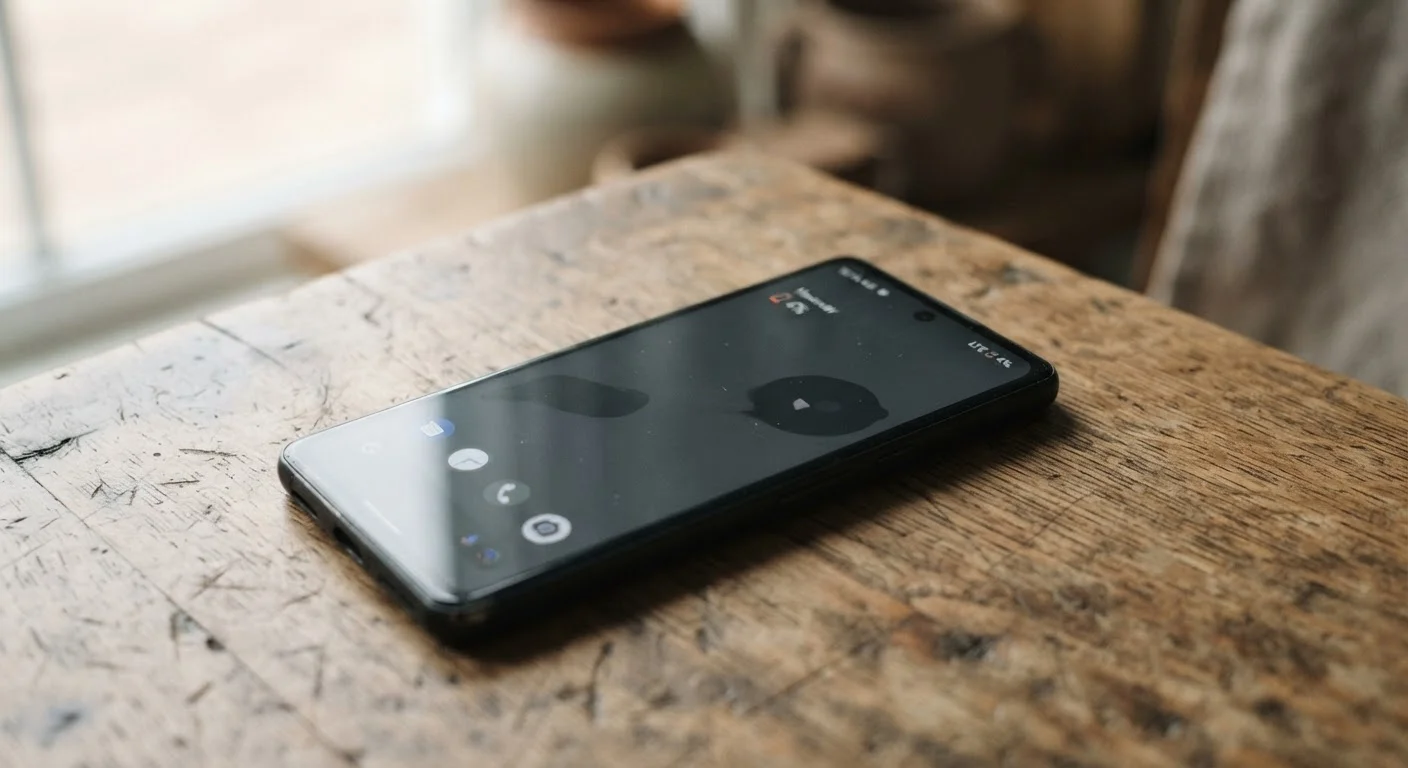
Photo: AdvisorBooth.net editorial
Key Takeaways
- Lithium-ion batteries lose capacity through chemical changes that accumulate with every charge cycle.
- Heat is the single biggest accelerant of battery degradation - more so than charging frequency.
- Keeping your charge level between roughly 20% and 80% reduces chemical stress on the battery.
- Overnight charging on modern phones is generally safe, but sustained 100% charge at high temperatures accelerates wear.
- Most phone batteries retain around 80% of their original capacity after 300-500 full charge cycles.
- Software habits and display settings can reduce how hard the battery has to work each day.
The Chemistry Behind Every Charge
Your phone battery works by moving lithium ions back and forth between two electrodes - a cathode and an anode - through a liquid electrolyte. Charging pushes ions from the cathode to the anode; discharging reverses that flow and releases energy your phone uses to operate. The system is elegant, but it isn't perfect.
With every cycle, a thin film called the solid electrolyte interphase (SEI) grows on the anode. This layer forms because the electrolyte reacts with electrode materials, and while a thin SEI layer is actually necessary for the battery to function, it keeps growing over time. As it thickens, it traps lithium ions that can no longer participate in the charge cycle - permanently reducing capacity.
Simultaneously, repeated expansion and contraction of the electrodes during charge and discharge causes microscopic physical damage. Over hundreds of cycles, these small structural changes accumulate. The result is a battery that holds less charge and drains faster - even if nothing is visibly wrong with your phone.
All Lithium-Ion Batteries Age - Without Exception
Why Heat Is the Real Enemy
Temperature is the most influential external factor in how quickly a battery ages. High heat speeds up the chemical reactions driving degradation - the SEI grows faster, electrolyte breaks down sooner, and electrode materials deteriorate more rapidly. Leaving your phone on a car dashboard in summer, charging it while running a graphics-intensive game, or stuffing it in a case that traps heat all apply real, cumulative stress.
Cold temperatures present a different problem: they temporarily reduce a battery's ability to deliver current efficiently, making your phone feel sluggish and showing lower charge readings than the battery actually holds. But cold rarely causes permanent damage the way heat does. A phone left in a cold car may behave oddly until it warms up, but its long-term capacity typically recovers.
~80%
Capacity retained after 500 charge cycles
Apple and other major manufacturers rate lithium-ion phone batteries to retain approximately 80% of original capacity after 500 full charge cycles under normal conditions.
25°C
Optimal storage temperature for lithium-ion
Battery researchers generally identify around 25°C (77°F) as the temperature range that minimizes chemical aging in lithium-ion cells during both use and storage.
2×
Faster capacity loss at elevated temperatures
Studies on lithium-ion aging consistently show that sustained high-temperature storage can roughly double the rate of capacity loss compared with storage at moderate room temperature.
This is also why fast charging - which generates additional heat - is best used selectively rather than as your default every day. For routine top-ups when time allows, slower charging is gentler on battery chemistry.
Practical Habits That Actually Help
You cannot stop battery aging, but you can influence its pace. The most evidence-backed habit is managing your charge range. Lithium-ion chemistry experiences less stress at partial states of charge. Letting your phone regularly drop to 0% or sit at 100% for extended periods - especially in warm conditions - pushes the electrodes toward their chemical extremes and accelerates wear.
A practical middle ground: plug in before your battery hits 20%, unplug before you consistently reach 100%, and enable your phone's built-in optimized or scheduled charging if it's available. These software features, now common on major platforms, learn your routine and slow the final portion of charging to reduce time spent at maximum capacity.
Display brightness, background processes, and connectivity settings also affect how hard your battery works. A screen running at full brightness constantly, or a phone straining to find a weak cellular signal, draws more power and demands more discharge cycles over time. See our guide on background app myths for a closer look at what actually drains your battery versus common misconceptions.
For a broader approach to device longevity, habits that extend hardware life covers how these principles apply across your whole device - not just the battery.
Enable Optimized Charging on Your Phone
When Degradation Becomes a Real Problem
Most phones show noticeable battery decline after one to three years of regular use, depending on usage intensity and environmental conditions. When a battery's health drops significantly - commonly measured as falling below 80% of original capacity - you may notice the phone shutting down unexpectedly under load, even when the charge indicator still shows a meaningful percentage. That happens because a degraded battery can no longer deliver the peak current some operations demand.
Both major mobile platforms now provide battery health diagnostics in settings menus, giving you a percentage-based snapshot of remaining capacity. These readings aren't perfectly precise, but they're a useful guide for deciding whether a replacement makes sense. Battery replacement is typically a straightforward and relatively affordable service - often worth considering before assuming the whole phone needs upgrading. If you're wondering whether slow performance is battery-related or something else entirely, signs your device is slowing down due to software can help you distinguish the two.
Frequently Asked Questions
The content on this site is for informational purposes only and is not a substitute for professional advice. Always consult a qualified professional for guidance specific to your situation.